# VPN Client for students - Windows

<p class="callout warning">To use this service you need a @deec.uc.pt or @student.uc.pt account</p>

### **Installation**

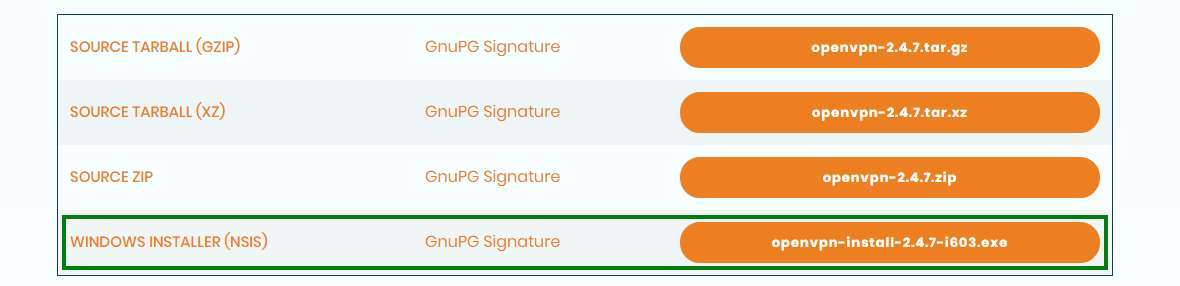
To download OpenVPN just go [here](https://openvpn.net/community-downloads/), and below you will find the respective download
![](https://helpdesk.deec.uc.pt/api/v1/attachments/20997)

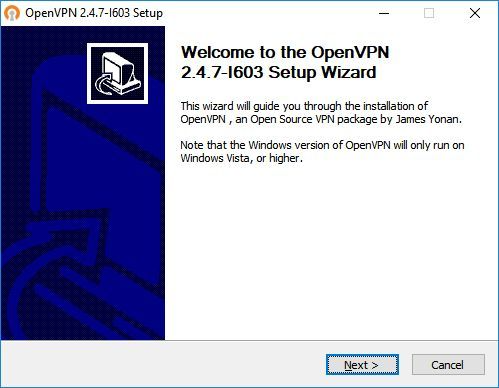
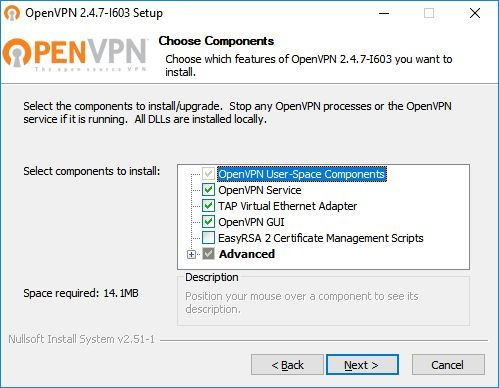
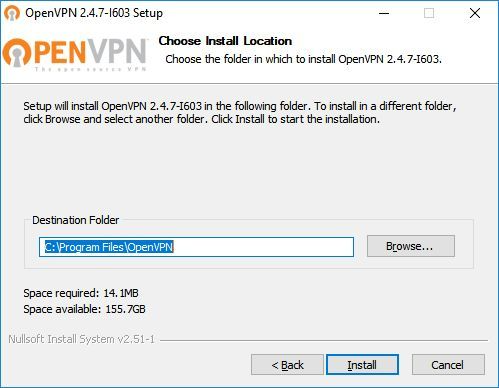
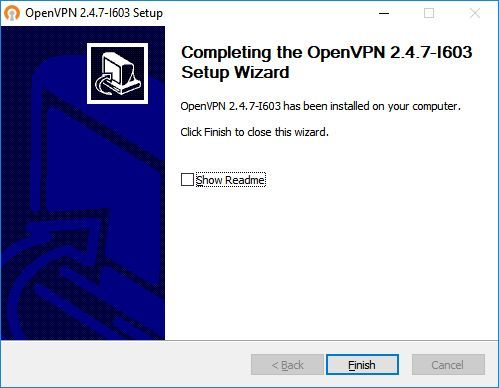
<div id="bkmrk-em-seguida%2C-fazer-a-"><center></center><div id="bkmrk-then%2C-perform-the-re">Then, perform the respective installation</div></div><div id="bkmrk--0"></div><div id="bkmrk--1">![](https://helpdesk.deec.uc.pt/api/v1/attachments/20998)  
</div><div id="bkmrk--2">  
</div><div id="bkmrk--3">![](https://helpdesk.deec.uc.pt/api/v1/attachments/20999)  
</div><div id="bkmrk--4">  
</div><div id="bkmrk--5">![](https://helpdesk.deec.uc.pt/api/v1/attachments/21000)  
</div><div id="bkmrk--6">  
</div><div id="bkmrk--7">![](https://helpdesk.deec.uc.pt/api/v1/attachments/21001)  
</div>### **Configuration**

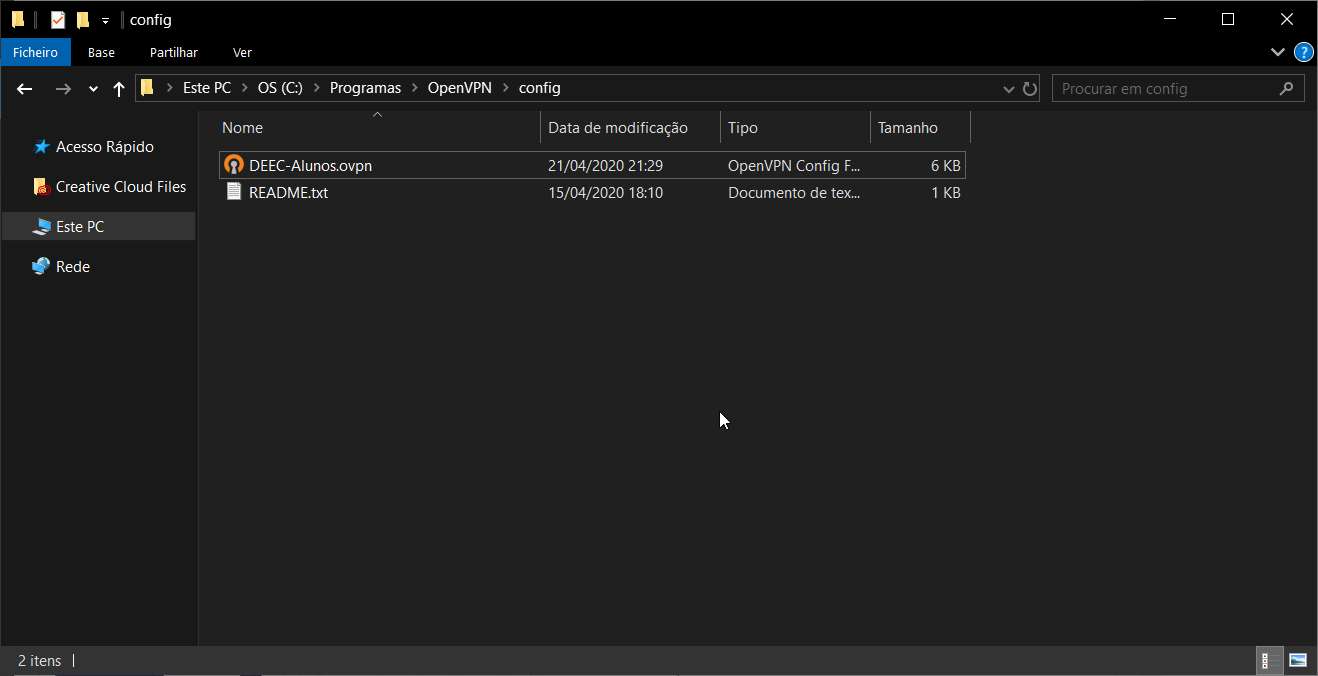
For your configuration, you should download [DEEC-Alunos.ovpn](https://kb.deec.uc.pt/attachments/18) and move it to “**C:\\Program Files\\OpenVPN\\config**”.
![](https://helpdesk.deec.uc.pt/api/v1/attachments/21002)

### **Connection**

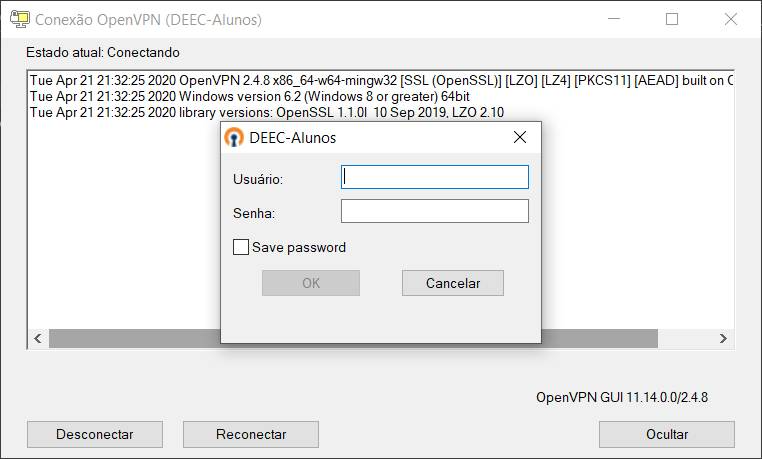
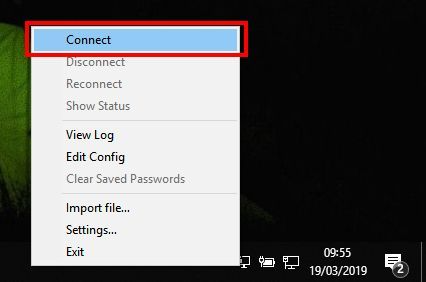
To finish, you will have to start the program “OpenVPN GUI” which, with its execution, will show an icon of a monitor with a lock on your task bar.

![](https://helpdesk.deec.uc.pt/api/v1/attachments/21004)

<div id="bkmrk-com-o-lado-direito-d"><center></center>To finish, you will have to start the program “OpenVPN GUI” which, with its execution, will show an icon of a monitor with a lock on your task bar.  
</div><div id="bkmrk--10">![](https://helpdesk.deec.uc.pt/api/v1/attachments/21005)  
</div><div id="bkmrk--11">  
</div><div id="bkmrk--12">![](https://helpdesk.deec.uc.pt/api/v1/attachments/21006)</div><div id="bkmrk--13"></div><div id="bkmrk--14"></div><div id="bkmrk-1-attached-files">  
</div>