# [Programa] Potenciómetro e LED

#### Objetivo:

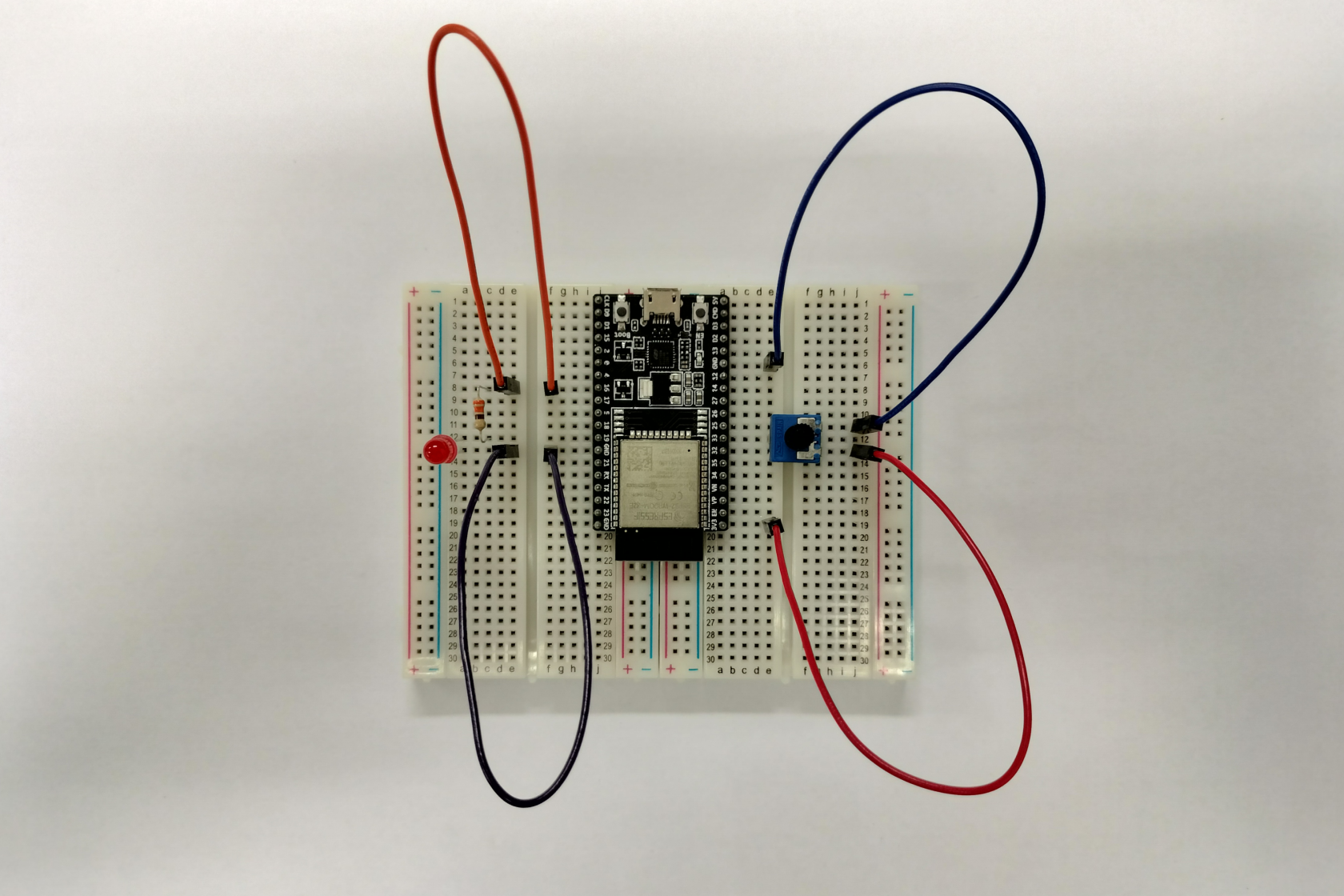
Utilizar o ESP32-WROOM-32E DevKitC v4 \[1\] para ler valor de tensão de saída de um potenciómetro, para alimentar um LED e, fazendo uso do valor de lido no terminal de saída do potenciómetro, controlar o brilho do LED.

#### Lista de material:

- *ESP32-WROOM-32E DevKitC v4*
- Breadboards
- Resistência de 330 ohm (Ω)
- Díodo emissor de luz (LED) vermelho
- Potenciómetro de 10kΩ
- Fios de ligação
- Cabo USB micro

[![6_material_list.png](https://kb.deec.uc.pt/uploads/images/gallery/2023-08/scaled-1680-/6-material-list.png)](https://kb.deec.uc.pt/uploads/images/gallery/2023-08/6-material-list.png)

#### Contextualização:

Um potenciómetro é um componente eletrónico que incorpora uma resistência elétrica ajustável \[4\]. Por seu turno, um circuito LED é um circuito usado para alimentar um díodo emissor de luz (LED). O circuito deve fornecer corrente suficiente para acender o LED e evitar danos ao mesmo. O circuito mais simples para acionar um LED é através de uma resistência em série \[3\].

#### Procedimento:

Escolhendo os terminais 16, 33, GNDs e 3.3V do ESP32 como referência deve considerar-se o seguinte circuito:

[![6_setup_overview.png](https://kb.deec.uc.pt/uploads/images/gallery/2023-08/scaled-1680-/r5P6-setup-overview.png)](https://kb.deec.uc.pt/uploads/images/gallery/2023-08/r5P6-setup-overview.png)

##### Instruções:

(para uma primeira utilização do ESP32, sugere-se o tutorial *Primeiro Programa* \[2\])

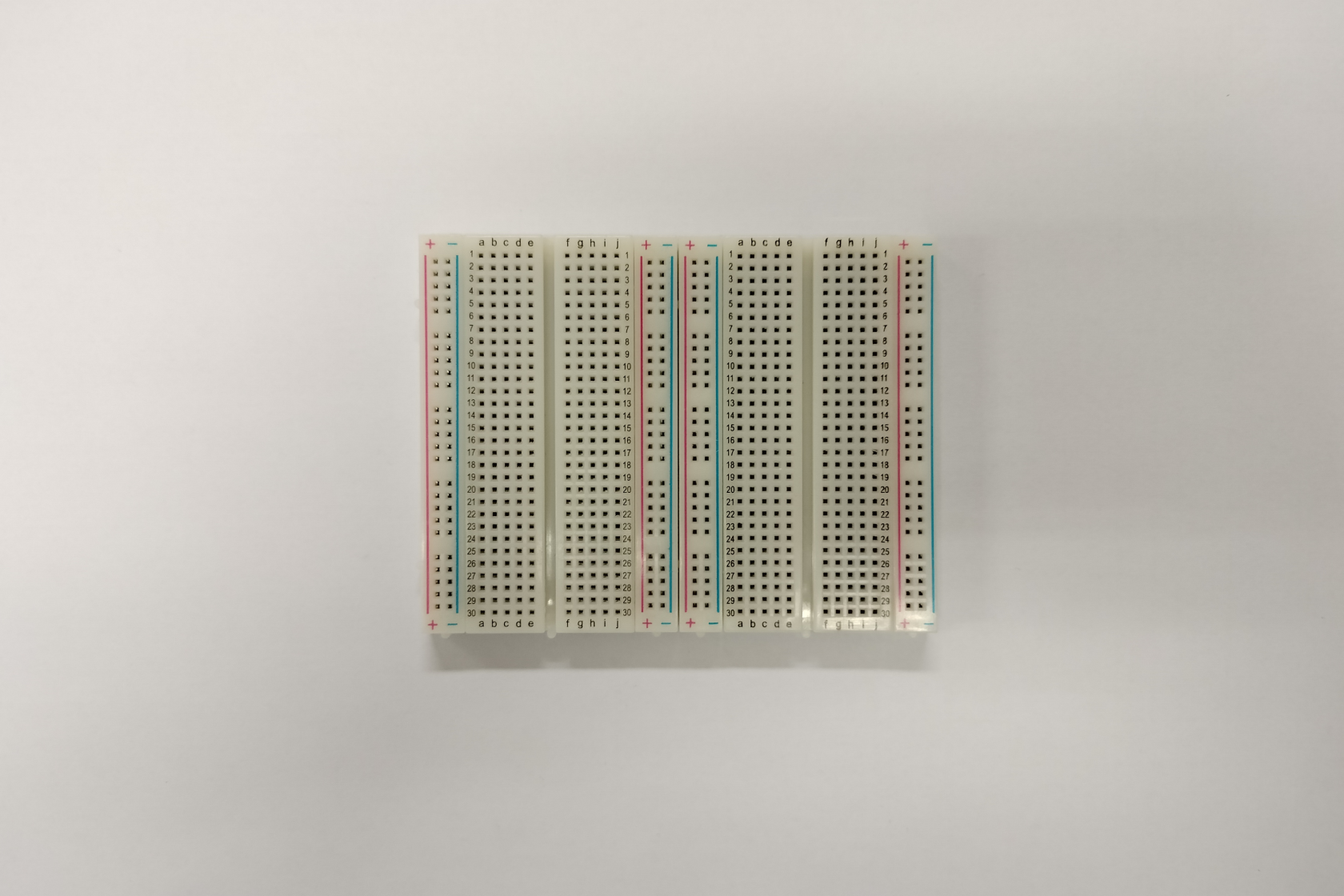
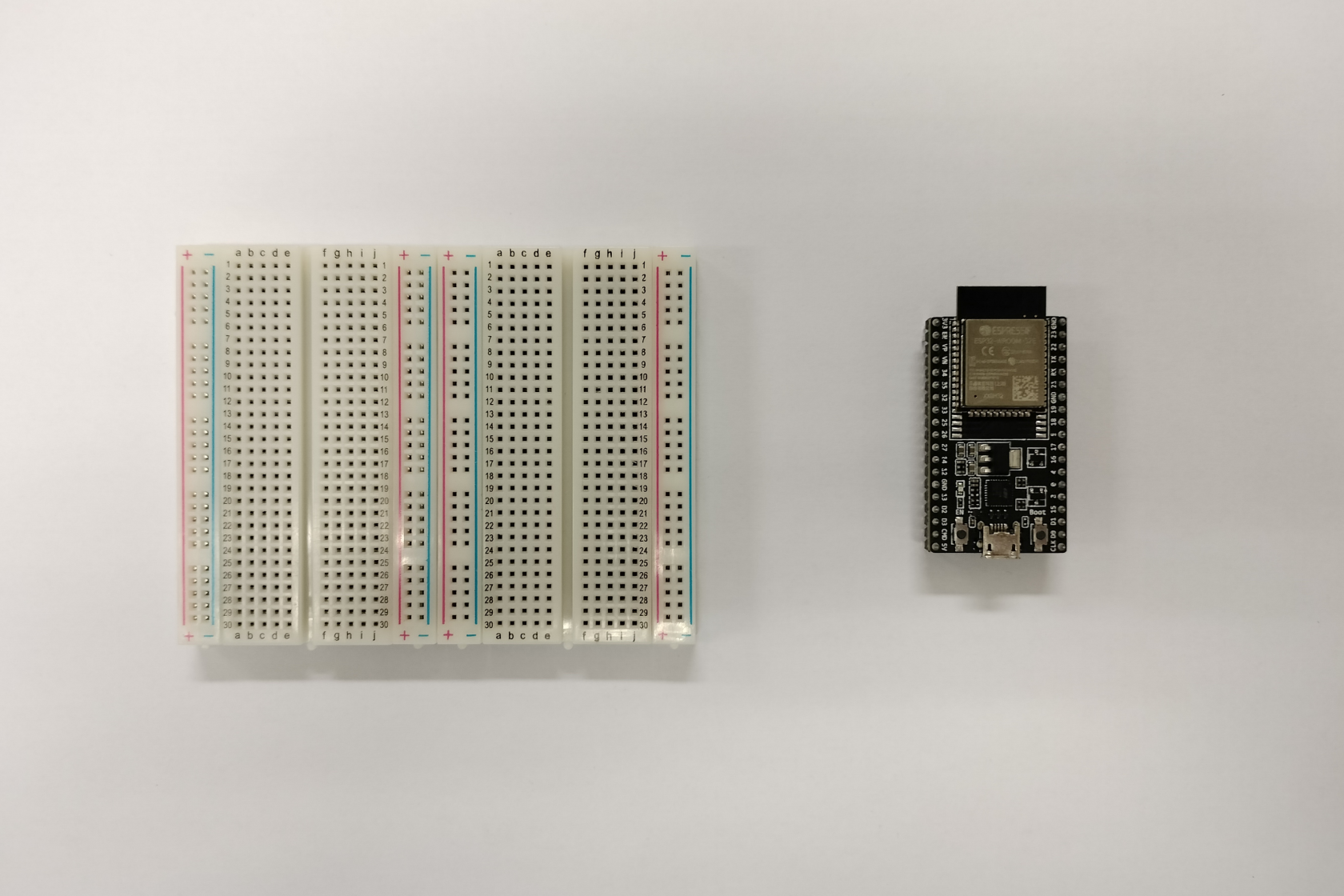
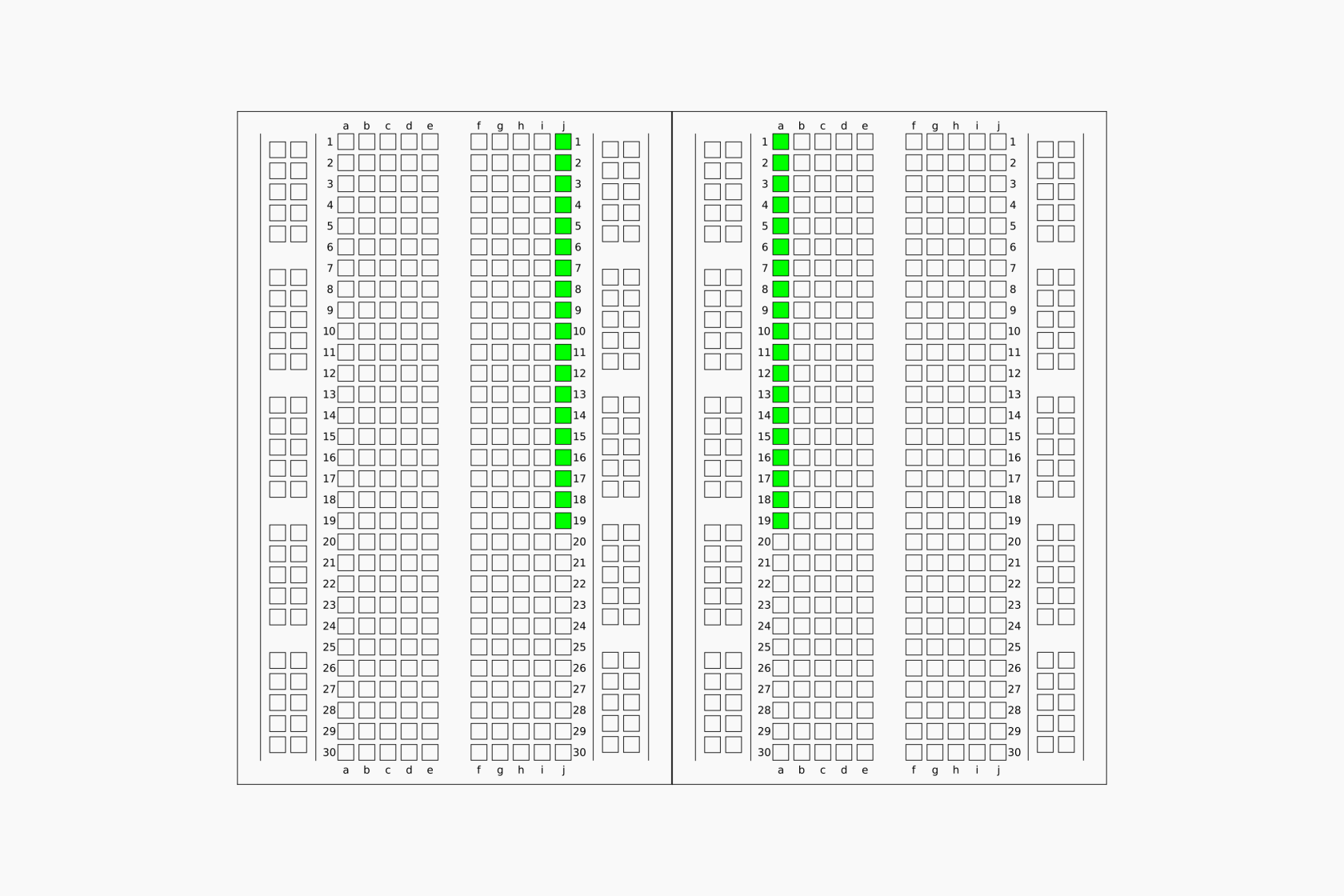
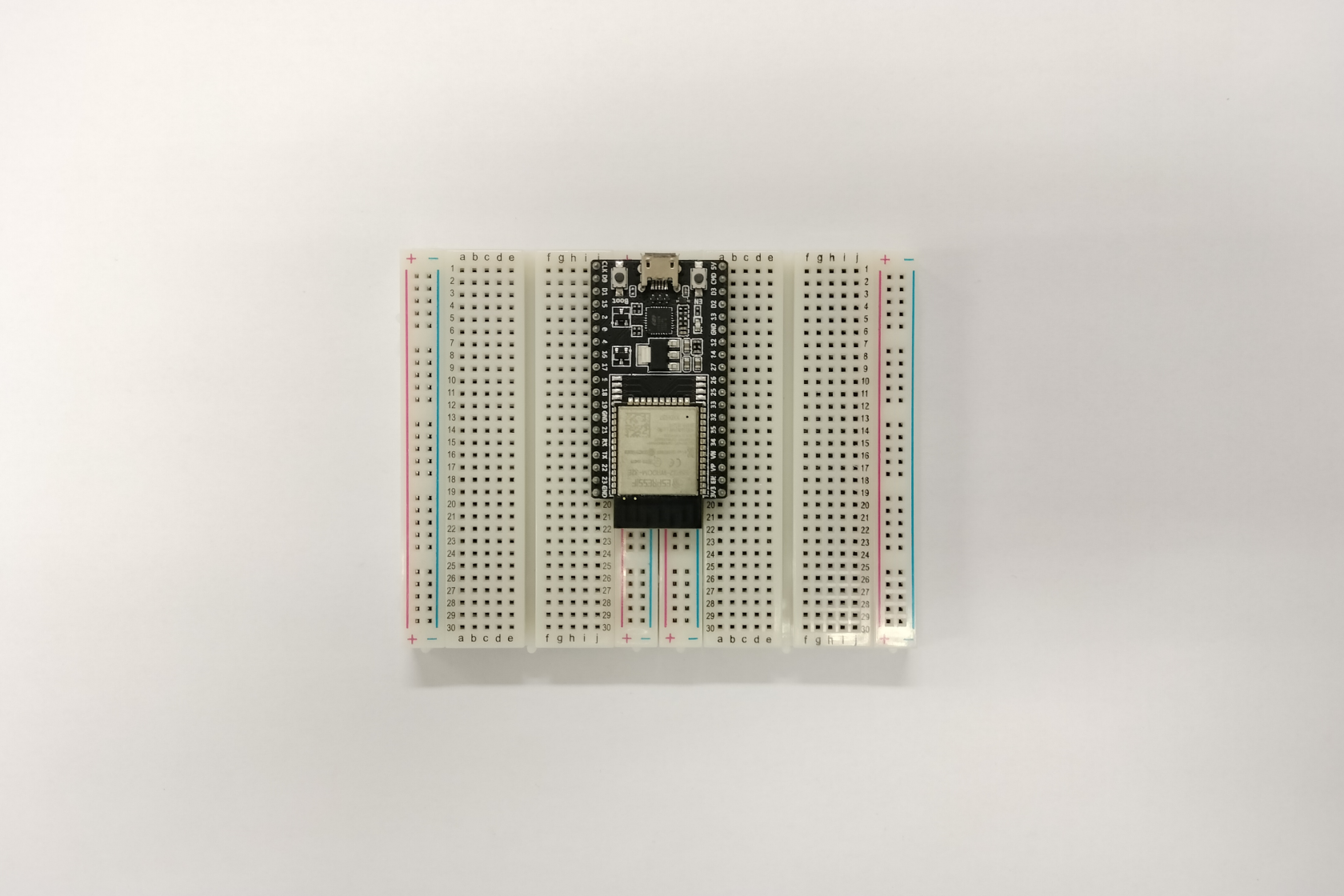
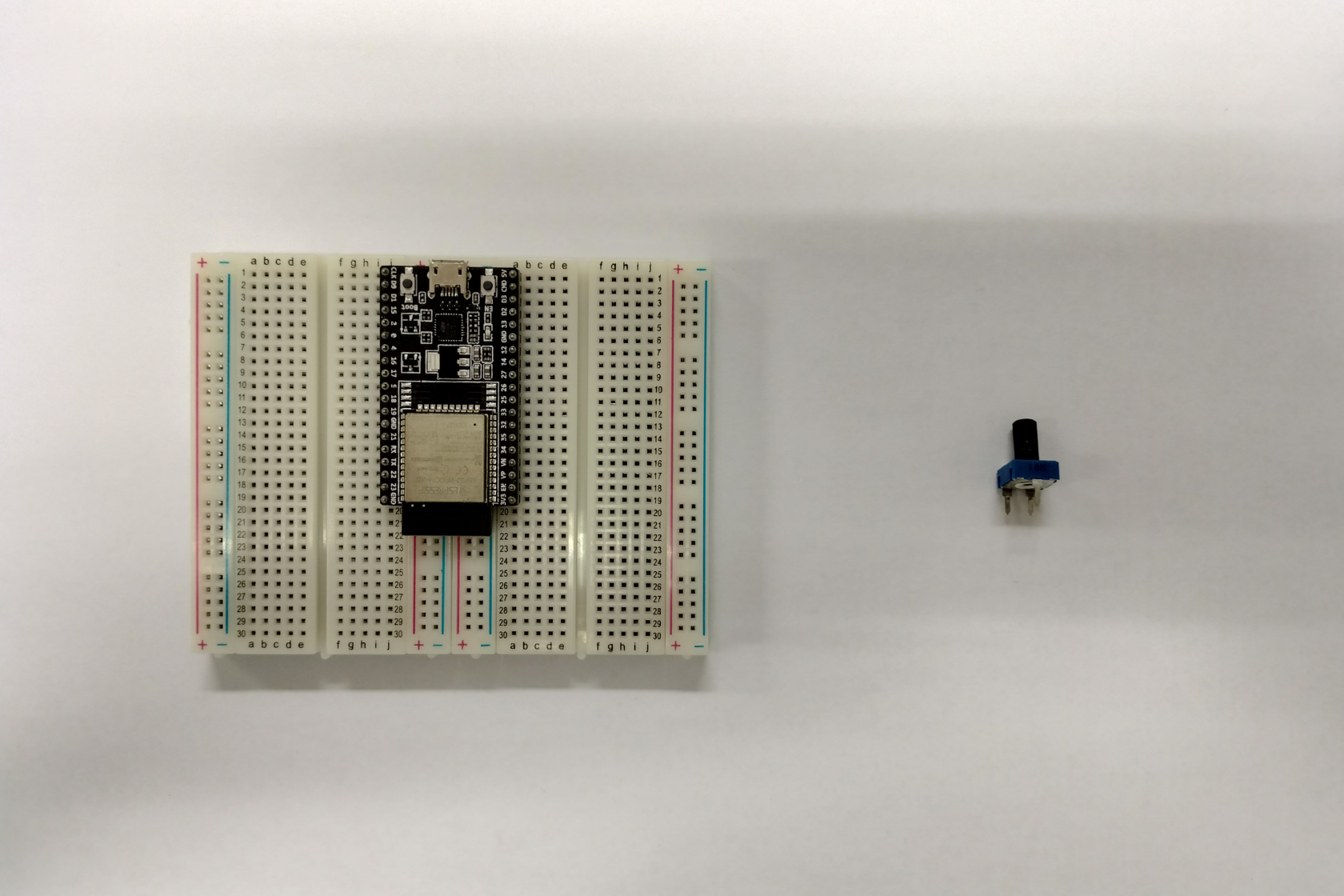
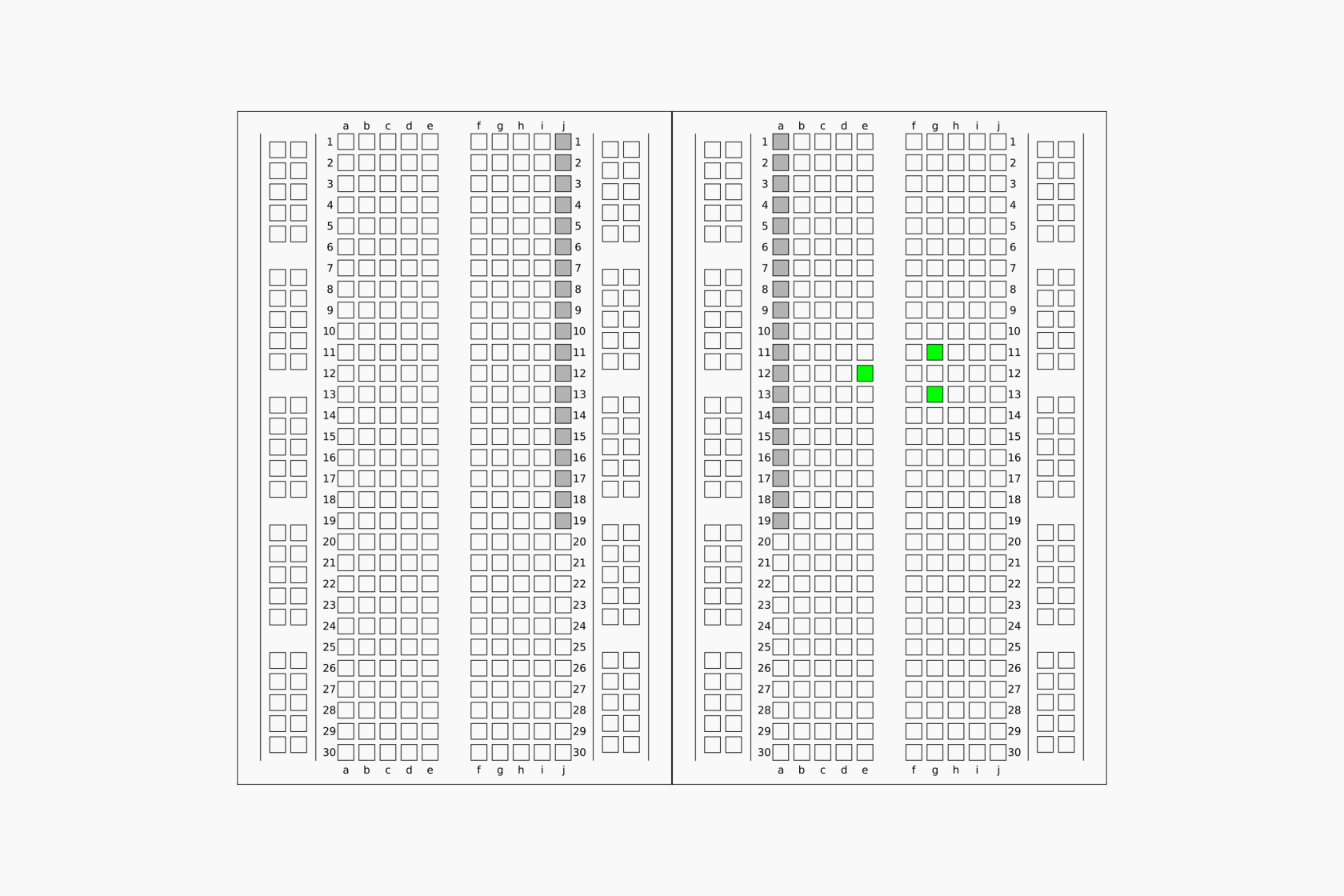
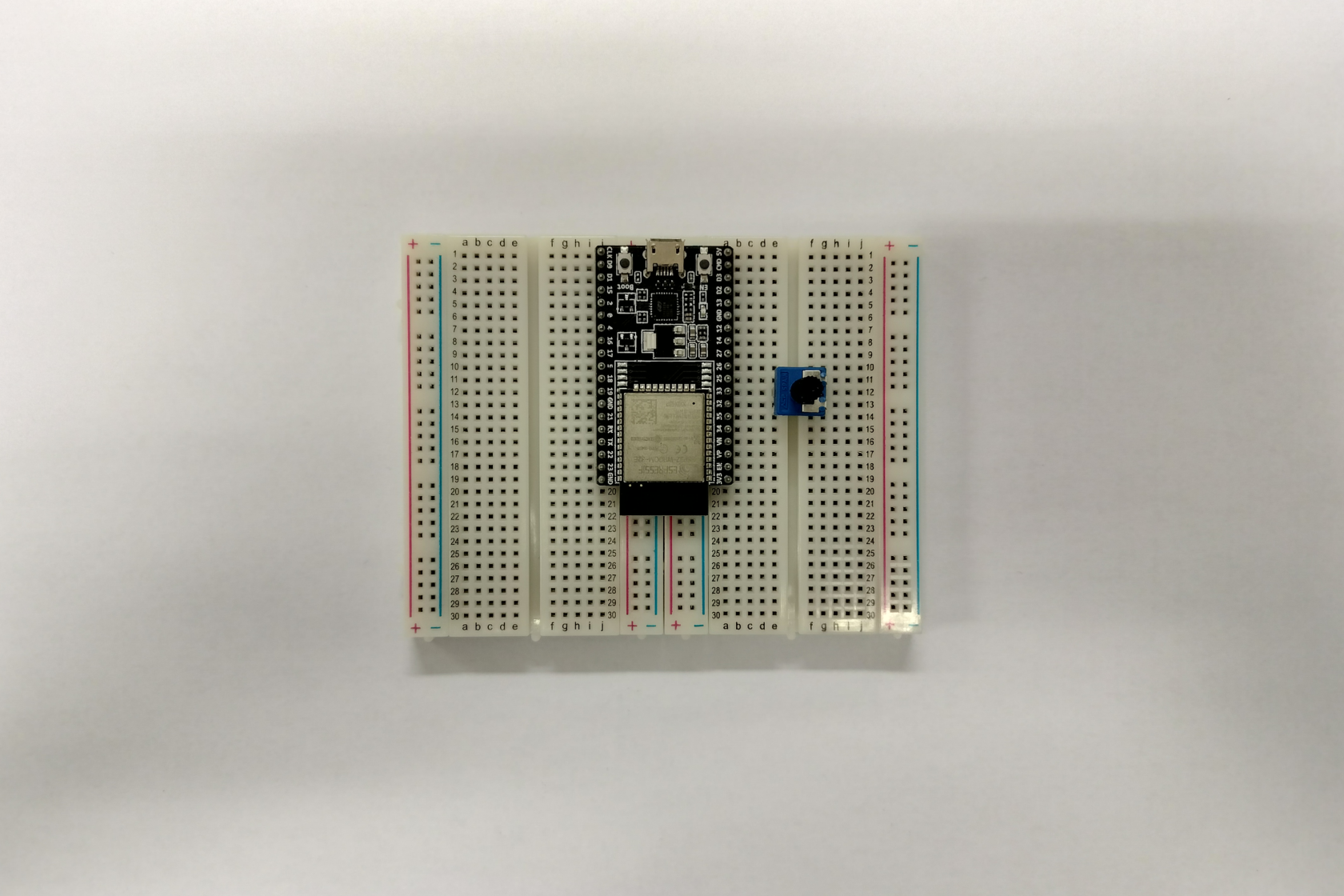
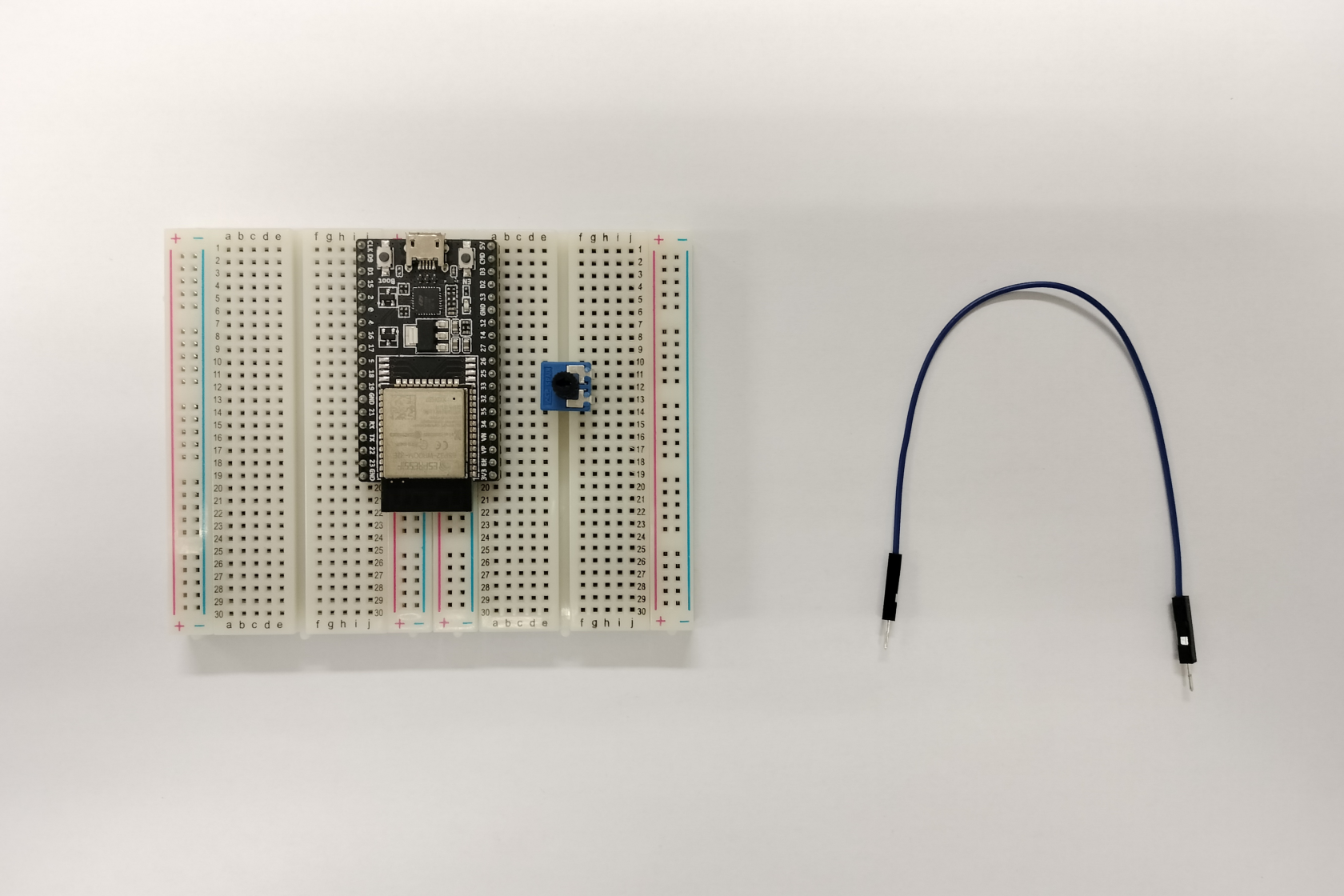
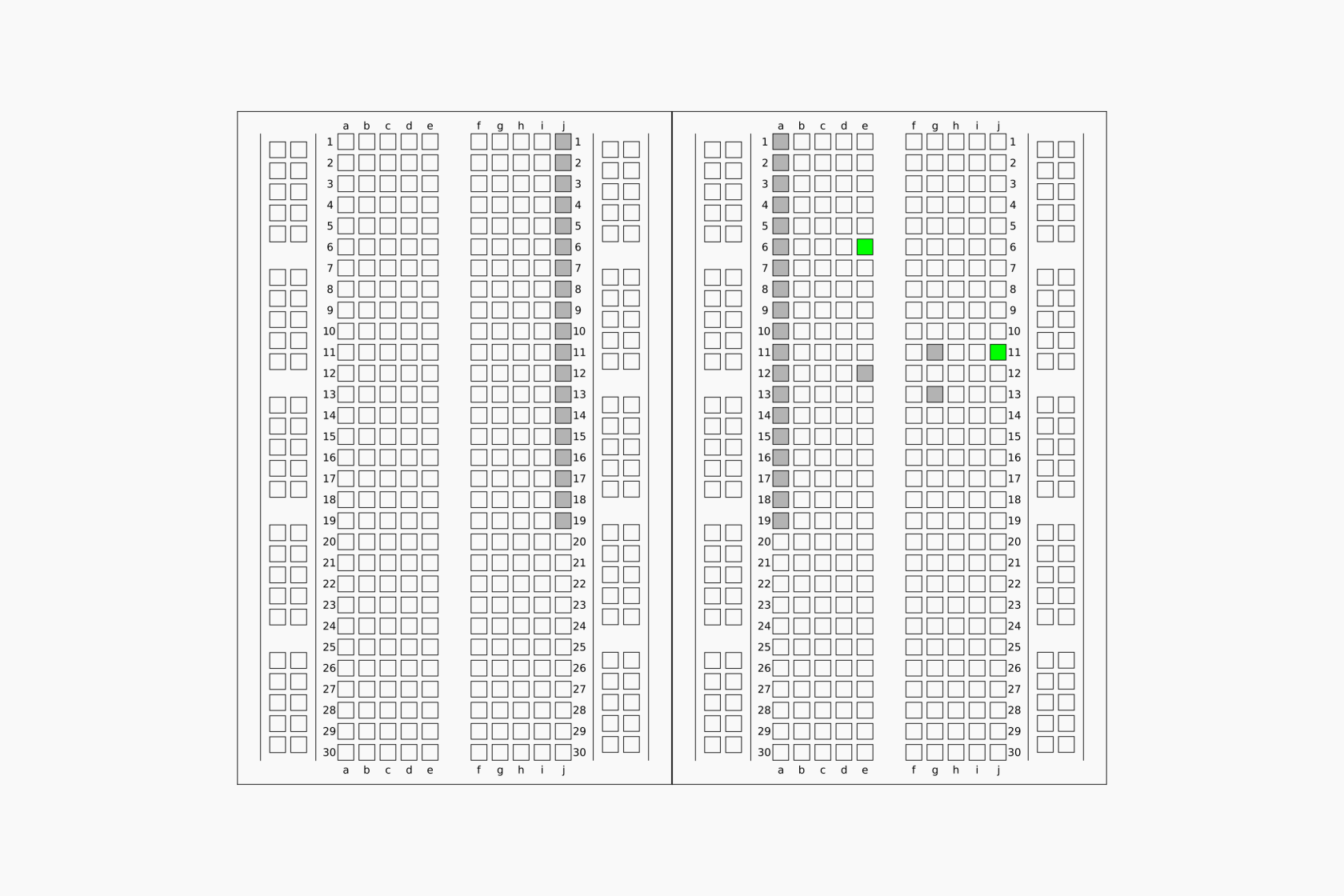
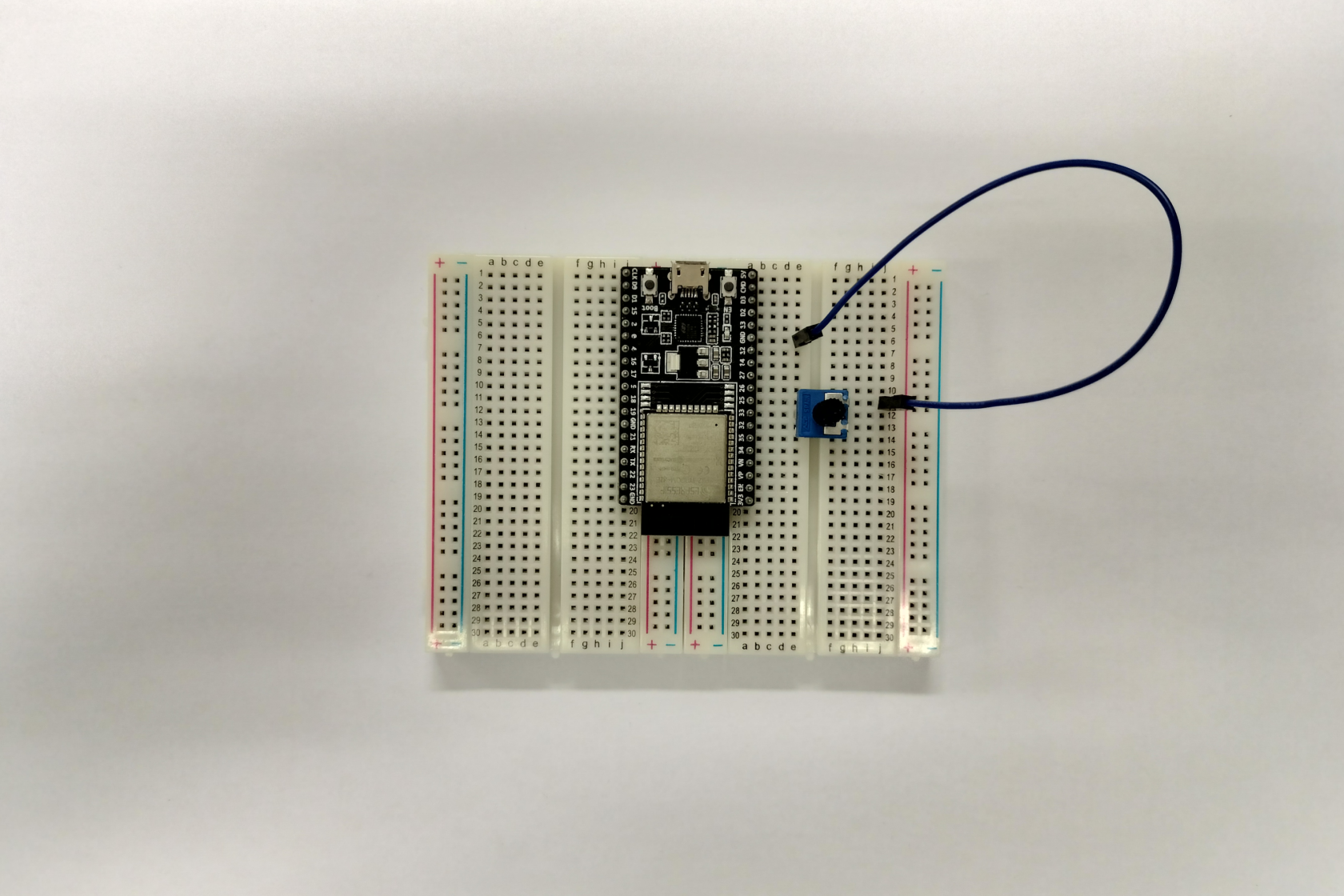
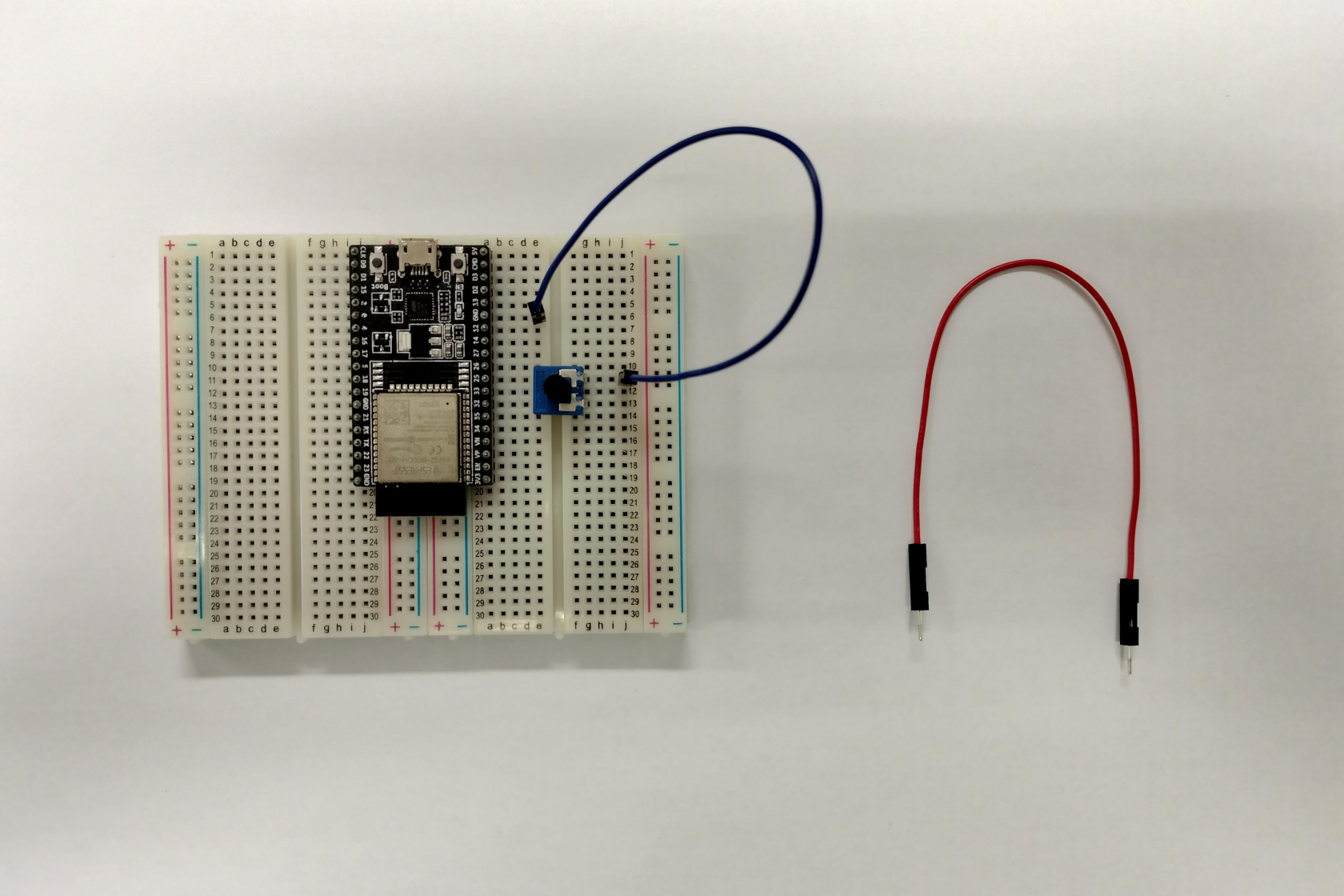
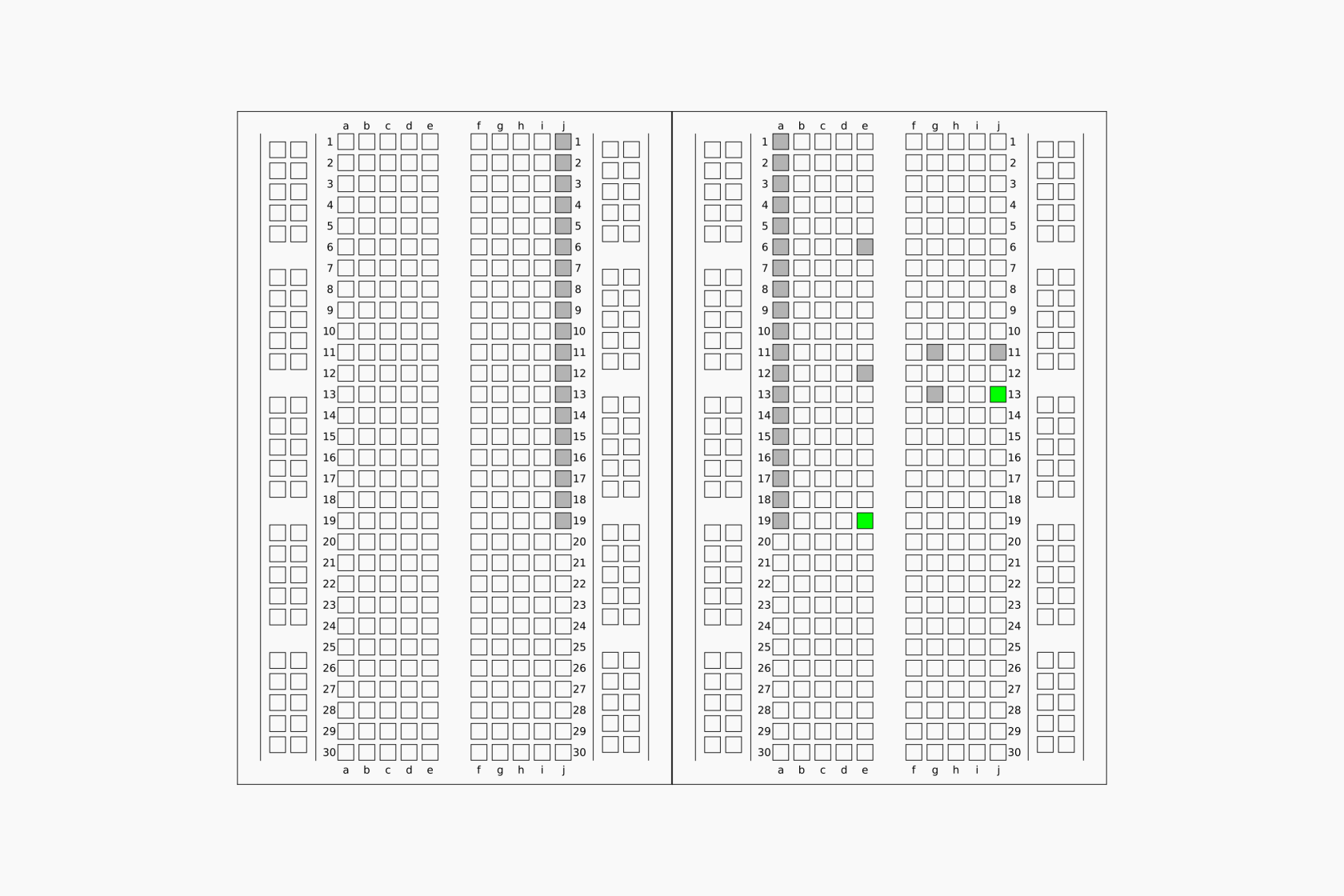
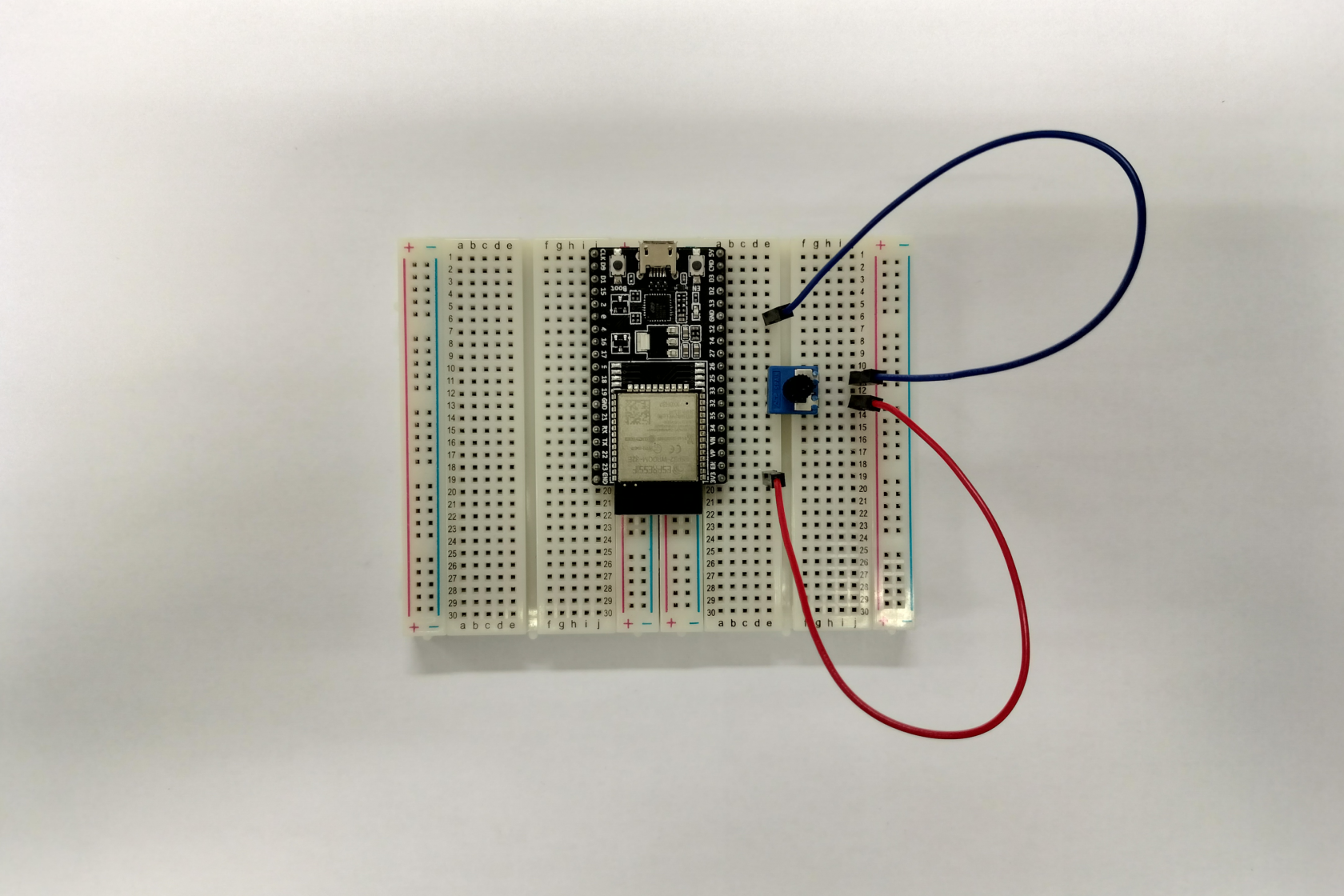
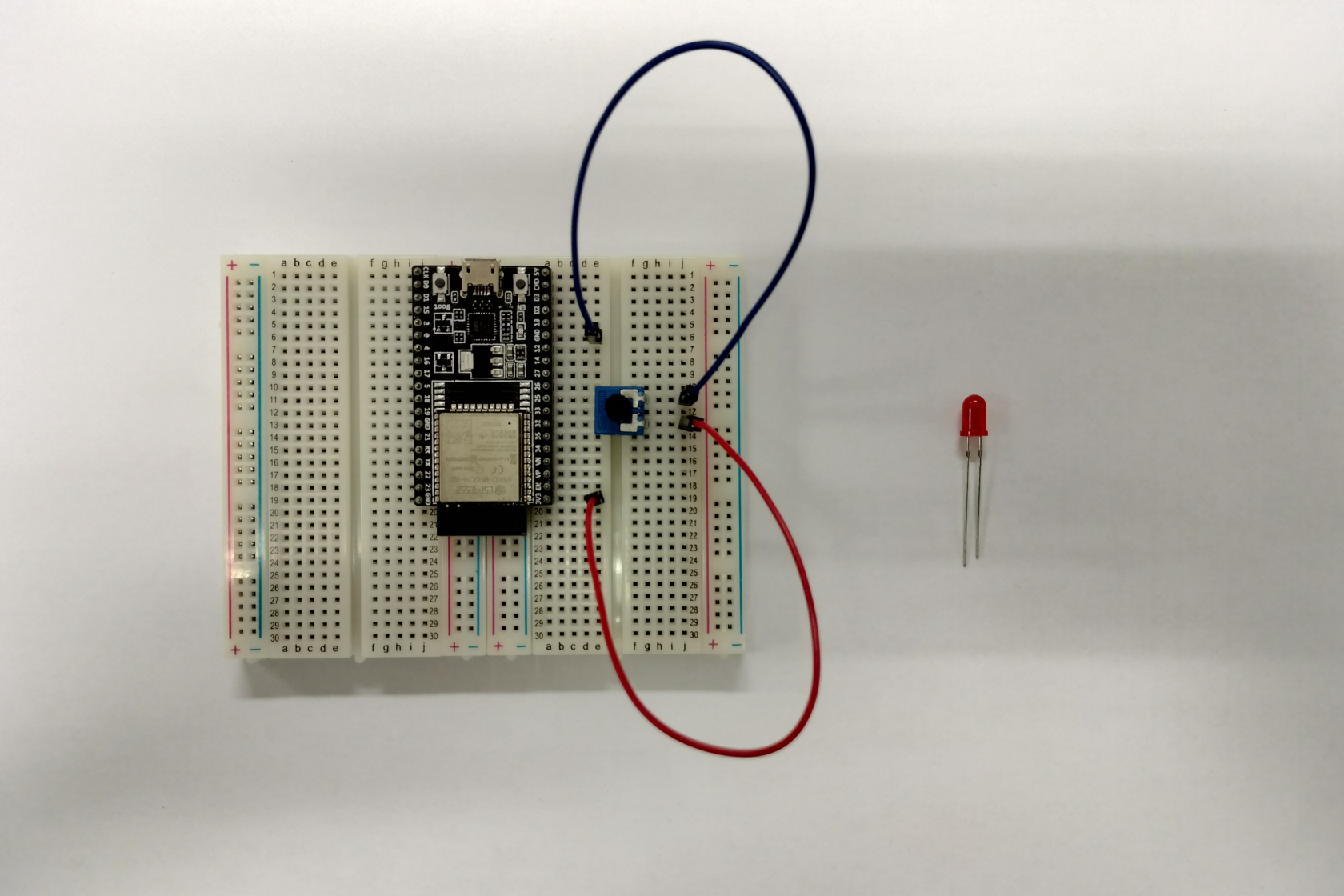
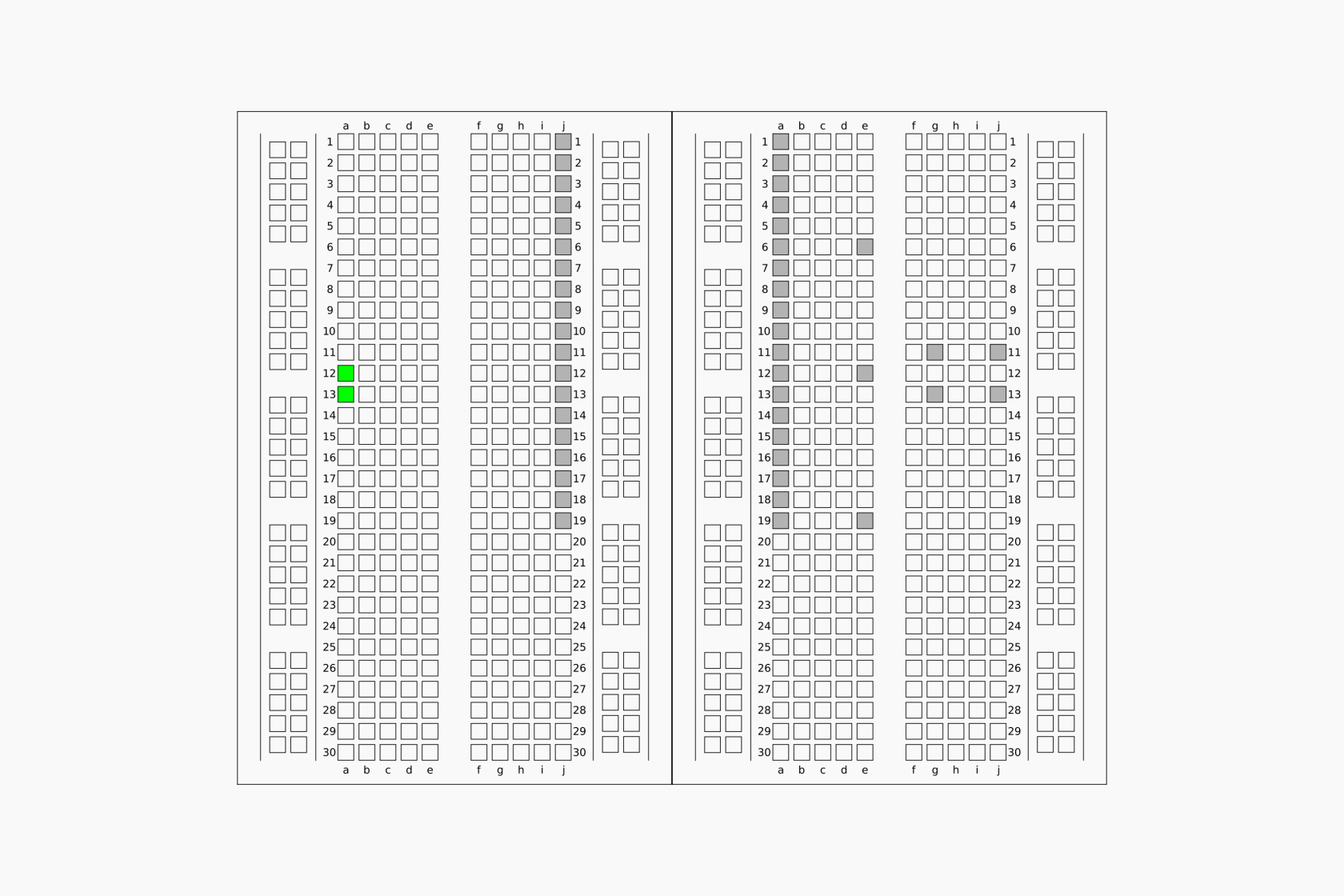
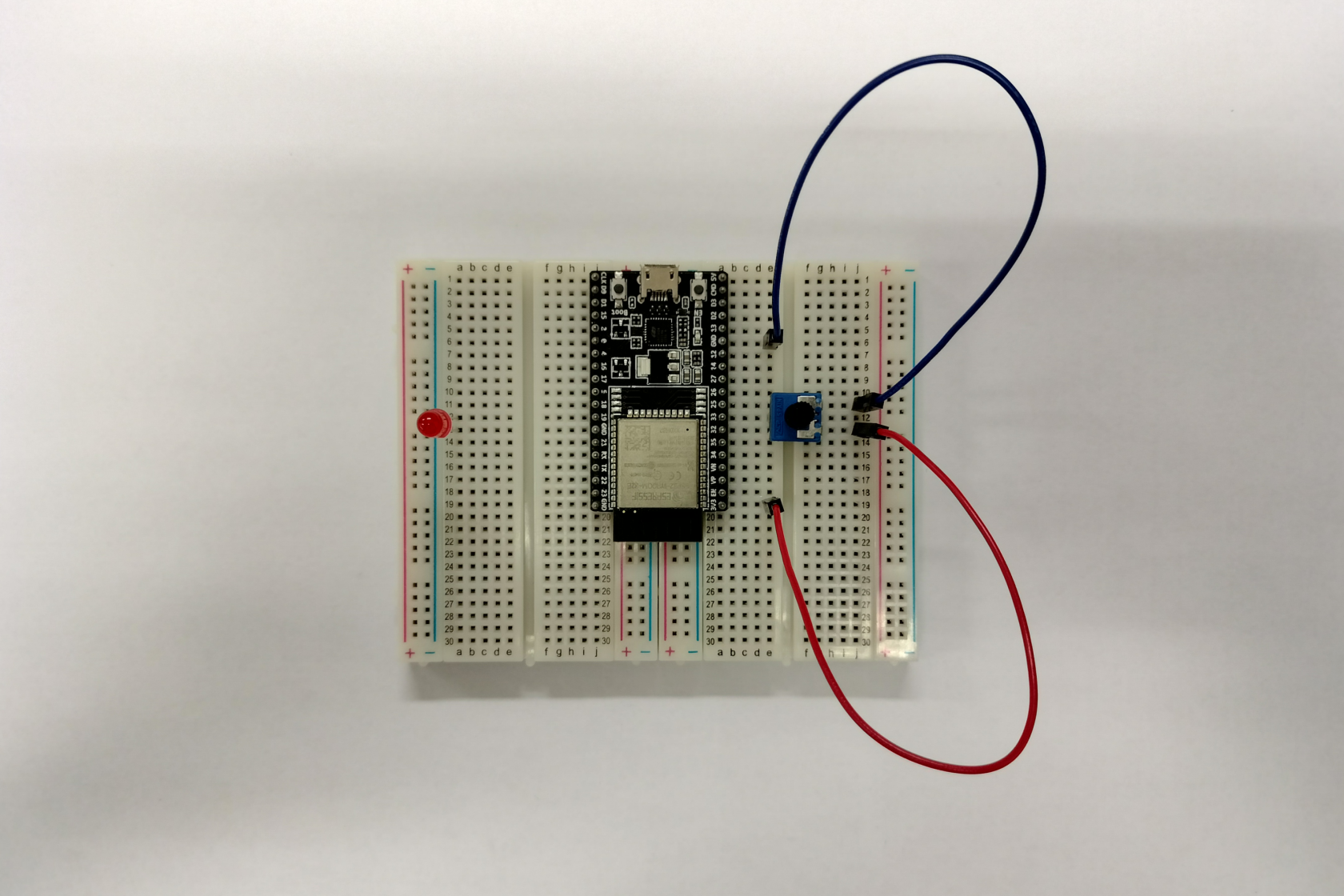
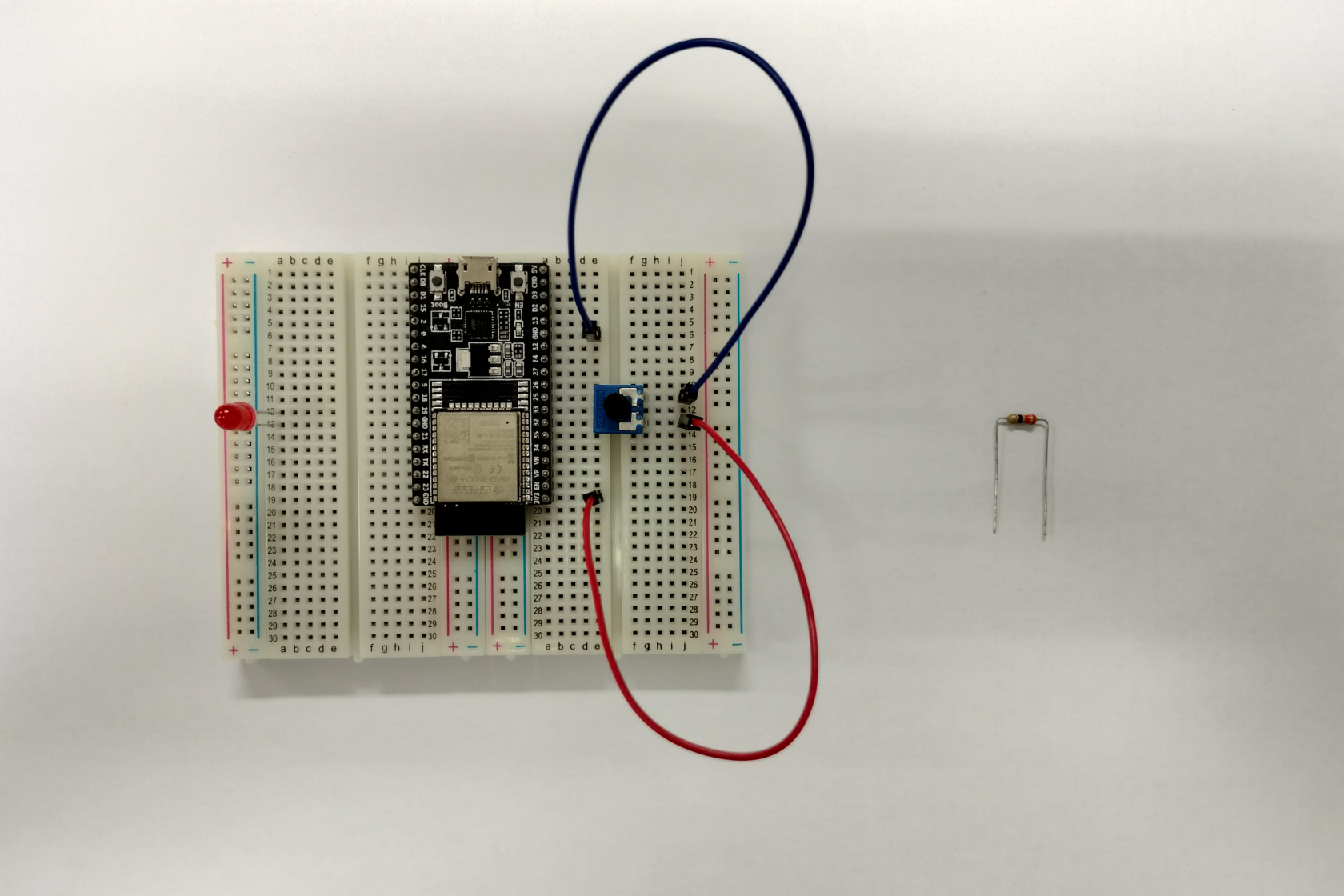
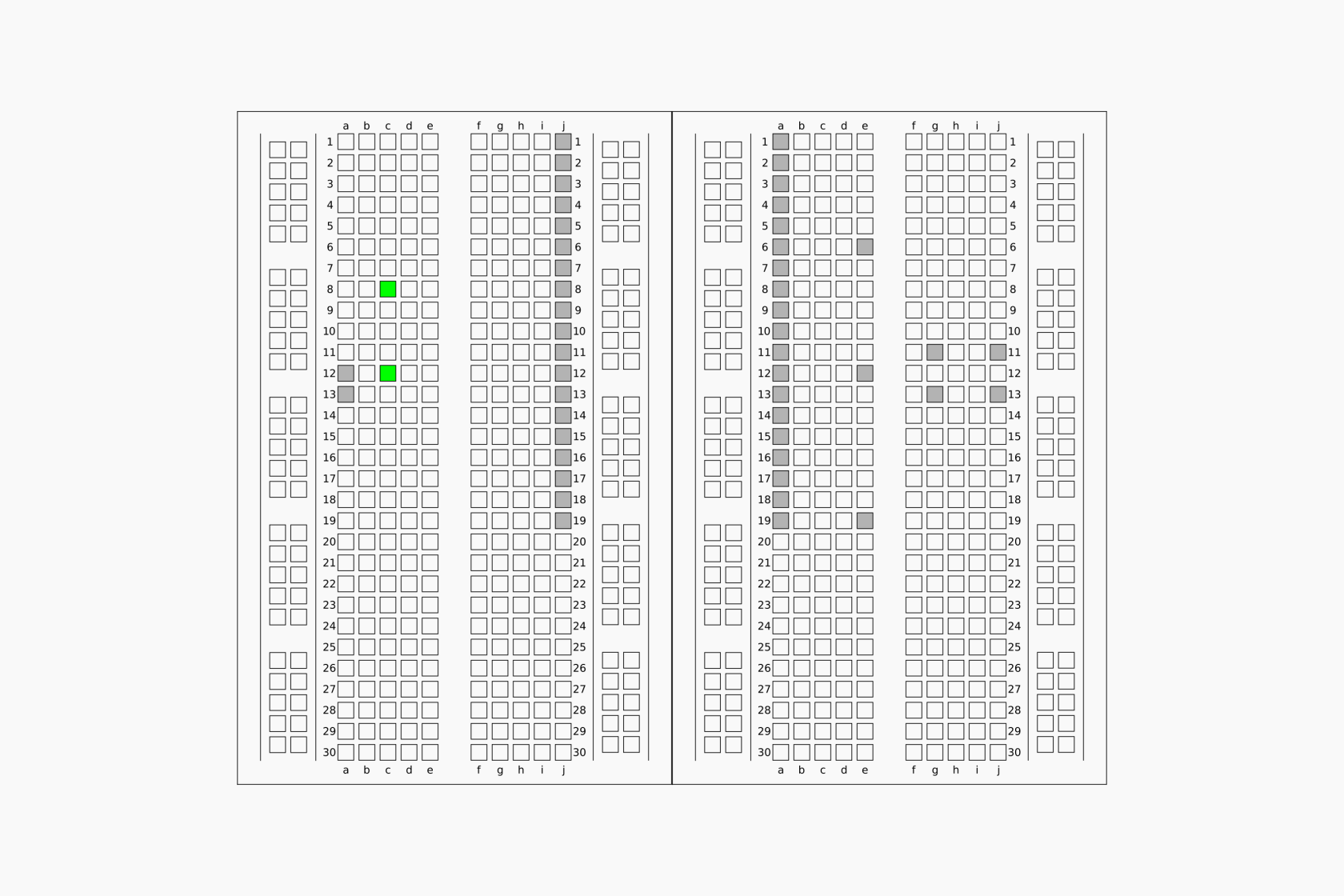
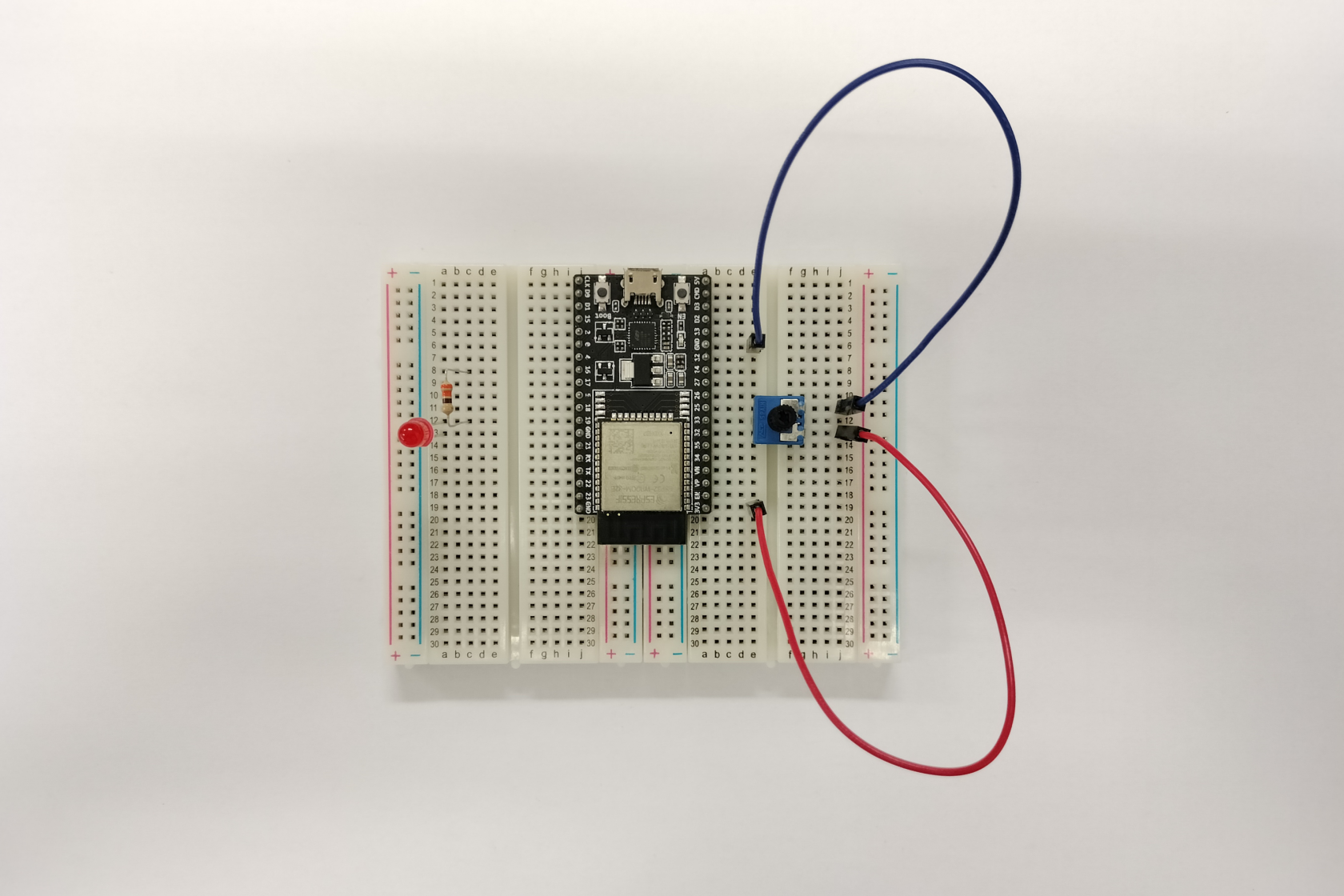
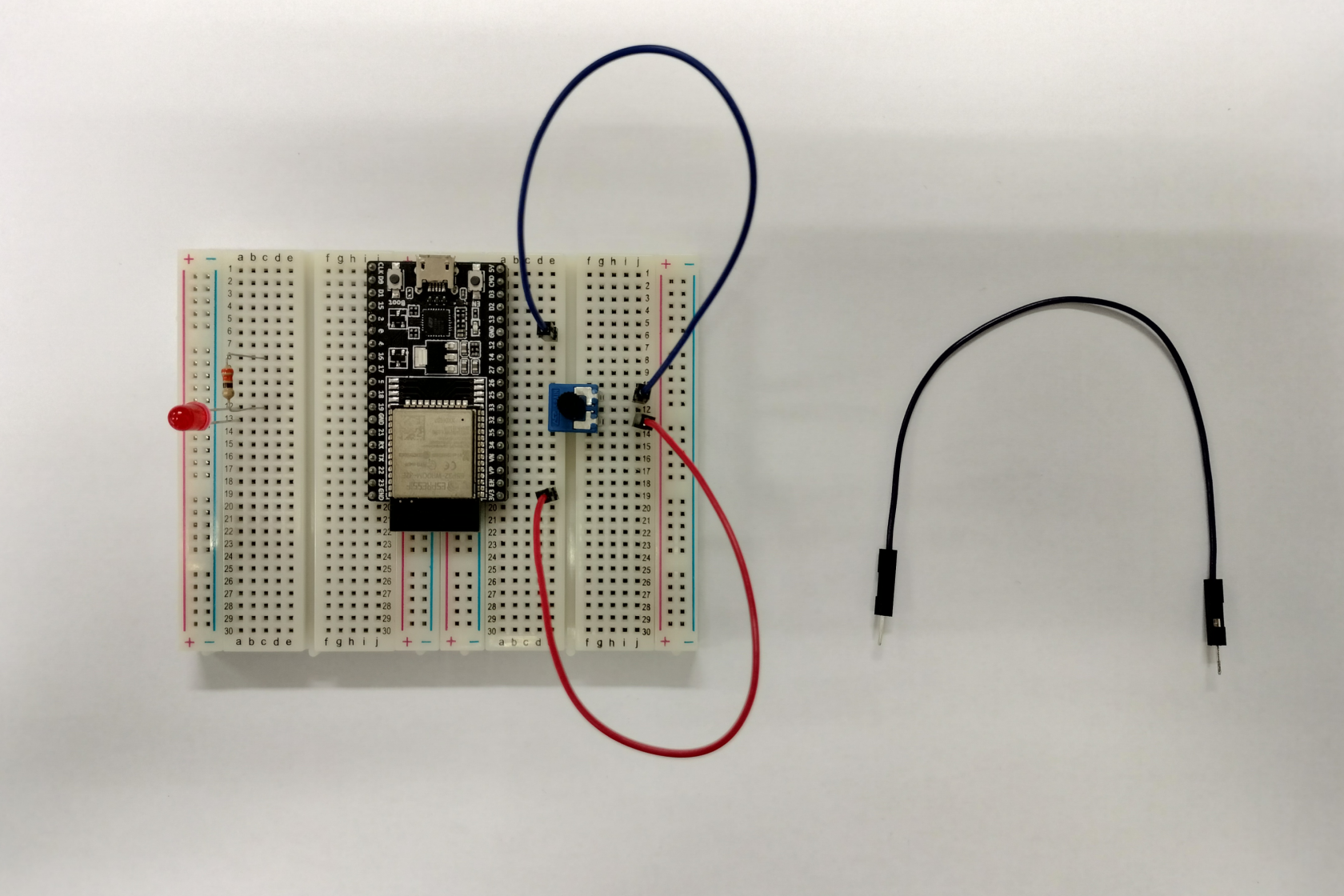
- Montar o circuito esquematizado anteriormente (ver Secção **Montagem exemplificativa**, para mais detalhe)
- Ligar a placa ESP32 ao computador por via de cabo USB micro
- Abrir o IDE Arduino
- Selecionar o dispositivo ESP32 adequado
- Copiar o seguinte código

```C
/*
* Potenciómetro e LED
*/

#define POTENTIOMETER_PIN  33  // terminal GPIO33 do ESP32 ligado ao terminal de saída
// do potenciómetro
#define LED_PIN            16  // terminal GPIO16 do ESP32 ligado  ao LED

// a função setup é executada pontualmente quando o botão reset é premido ou 
// a placa é alimentada:
void setup() {
  // inicializa a comunicação série a 115200 bits por segundo:
  Serial.begin(115200);

  // declara o terminal do LED como saída:
  pinMode(LED_PIN, OUTPUT);
}

// a função loop é executada sucessivamente, uma e outra vez, e por aí em diante
void loop() {		
  // leitura do valor no terminal analógico (valor entre 0 e 4095)
  int analogValue = analogRead(POTENTIOMETER_PIN);

  // normaliza valor lido para valor de interesse (valor entre 0 e 255)
  int brightness = map(analogValue, 0, 4095, 0, 255);

  // define intensidade do LED
  analogWrite(LED_PIN, brightness);

  // imprime valores para a comunicação série
  Serial.print("valor lido = ");
  Serial.print(analogValue);
  Serial.print(" => intensidade = ");
  Serial.println(brightness);
  delay(100);
}
```

- Compilar e carregar o código para a placa ESP32

[![Screenshot_potenciometro_led.png](https://kb.deec.uc.pt/uploads/images/gallery/2023-08/scaled-1680-/screenshot-potenciometro-led.png)](https://kb.deec.uc.pt/uploads/images/gallery/2023-08/screenshot-potenciometro-led.png)

- Verificar o resultado

<table border="0" id="bkmrk--2" style="border-collapse: collapse; width: 100%; height: 187.844px; background-color: #ffffff; border-color: #ffffff; border-style: none;"><tbody><tr style="height: 187.844px;"><td style="width: 33.3745%; height: 187.844px;">[![6_out1.png](https://kb.deec.uc.pt/uploads/images/gallery/2023-08/scaled-1680-/6-out1.png)](https://kb.deec.uc.pt/uploads/images/gallery/2023-08/6-out1.png)</td><td style="width: 33.3745%; height: 187.844px;">[![6_out2.png](https://kb.deec.uc.pt/uploads/images/gallery/2023-08/scaled-1680-/6-out2.png)](https://kb.deec.uc.pt/uploads/images/gallery/2023-08/6-out2.png)</td><td style="width: 33.3745%; height: 187.844px;">[![6_out3.png](https://kb.deec.uc.pt/uploads/images/gallery/2023-08/scaled-1680-/6-out3.png)](https://kb.deec.uc.pt/uploads/images/gallery/2023-08/6-out3.png)</td></tr></tbody></table>

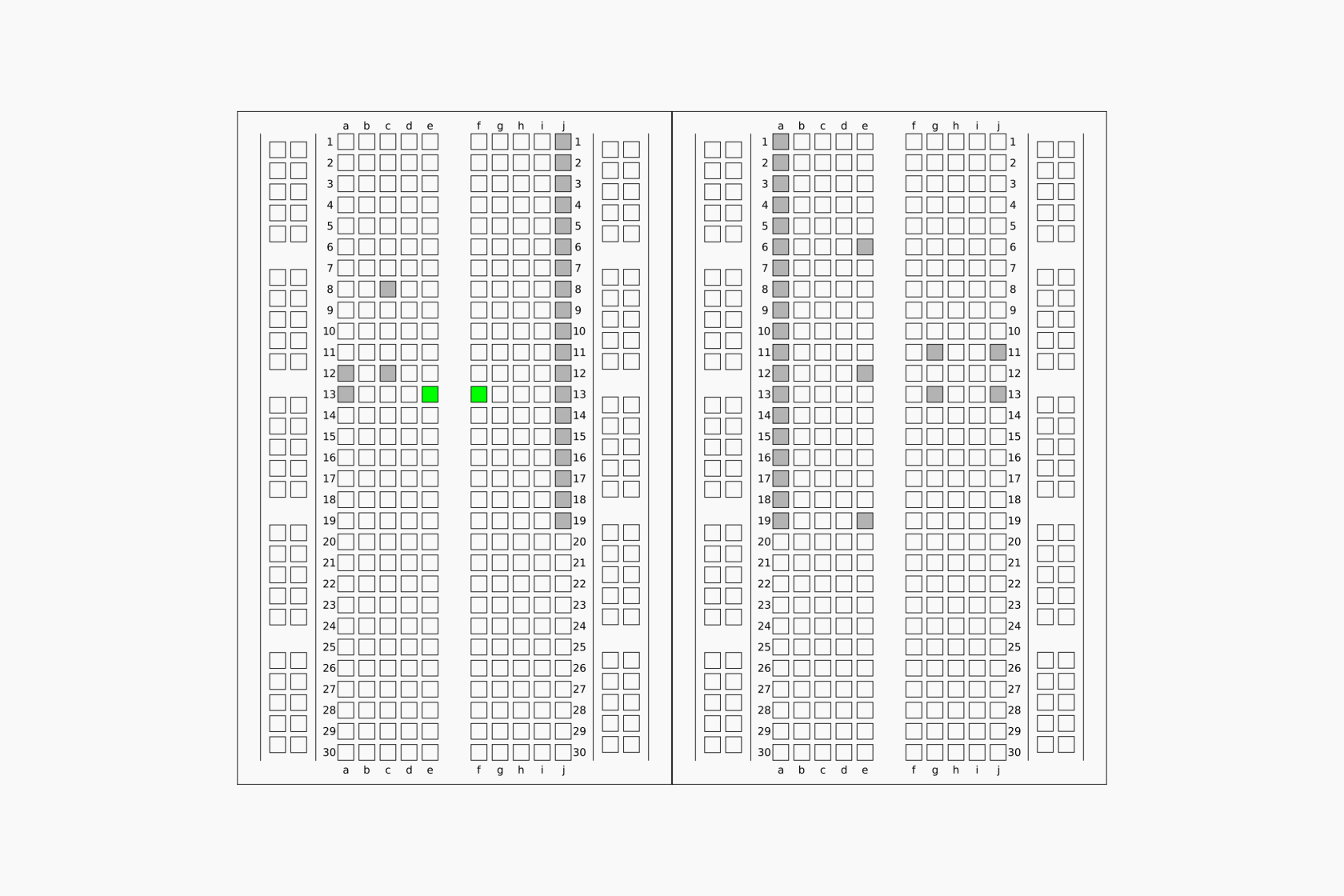
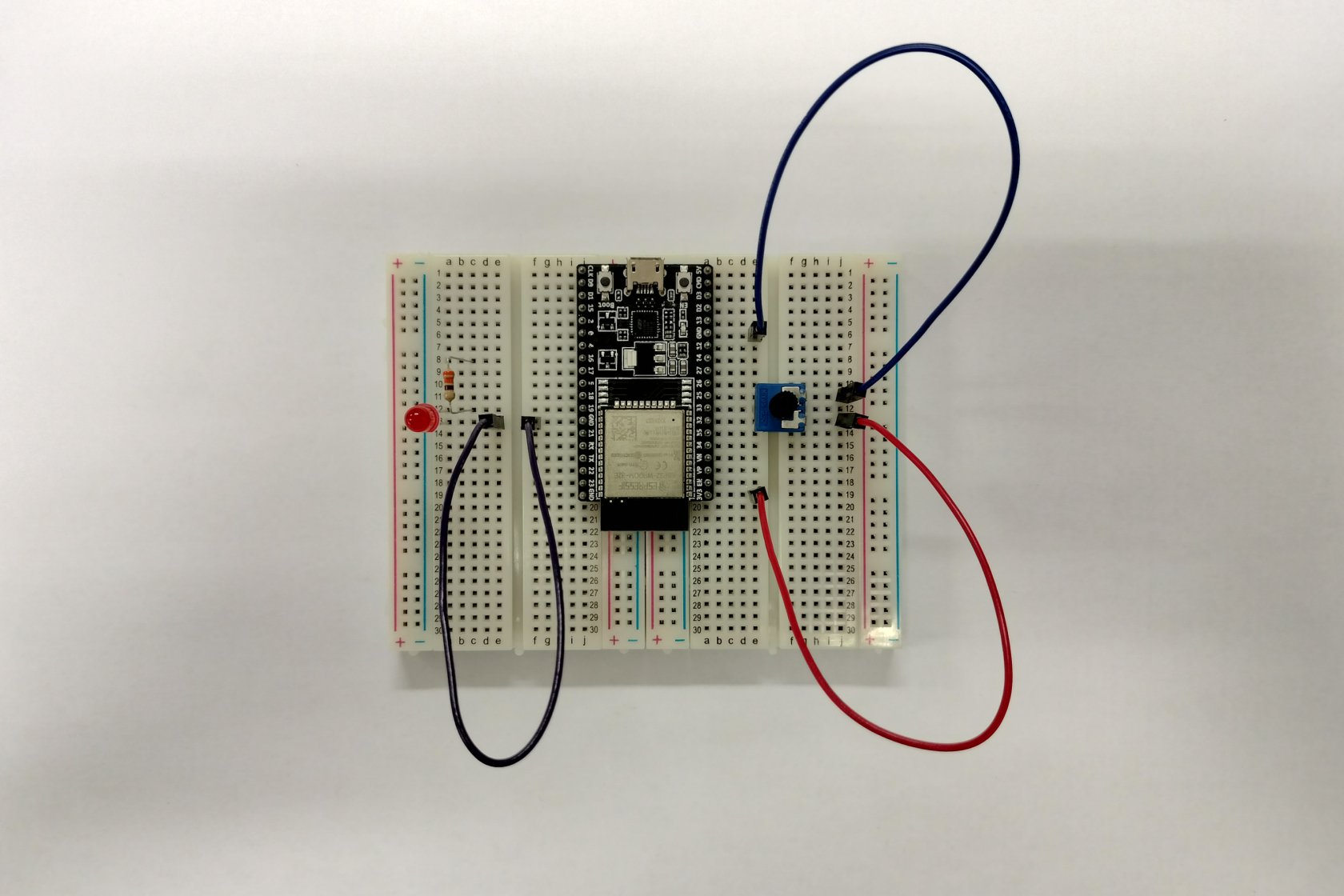
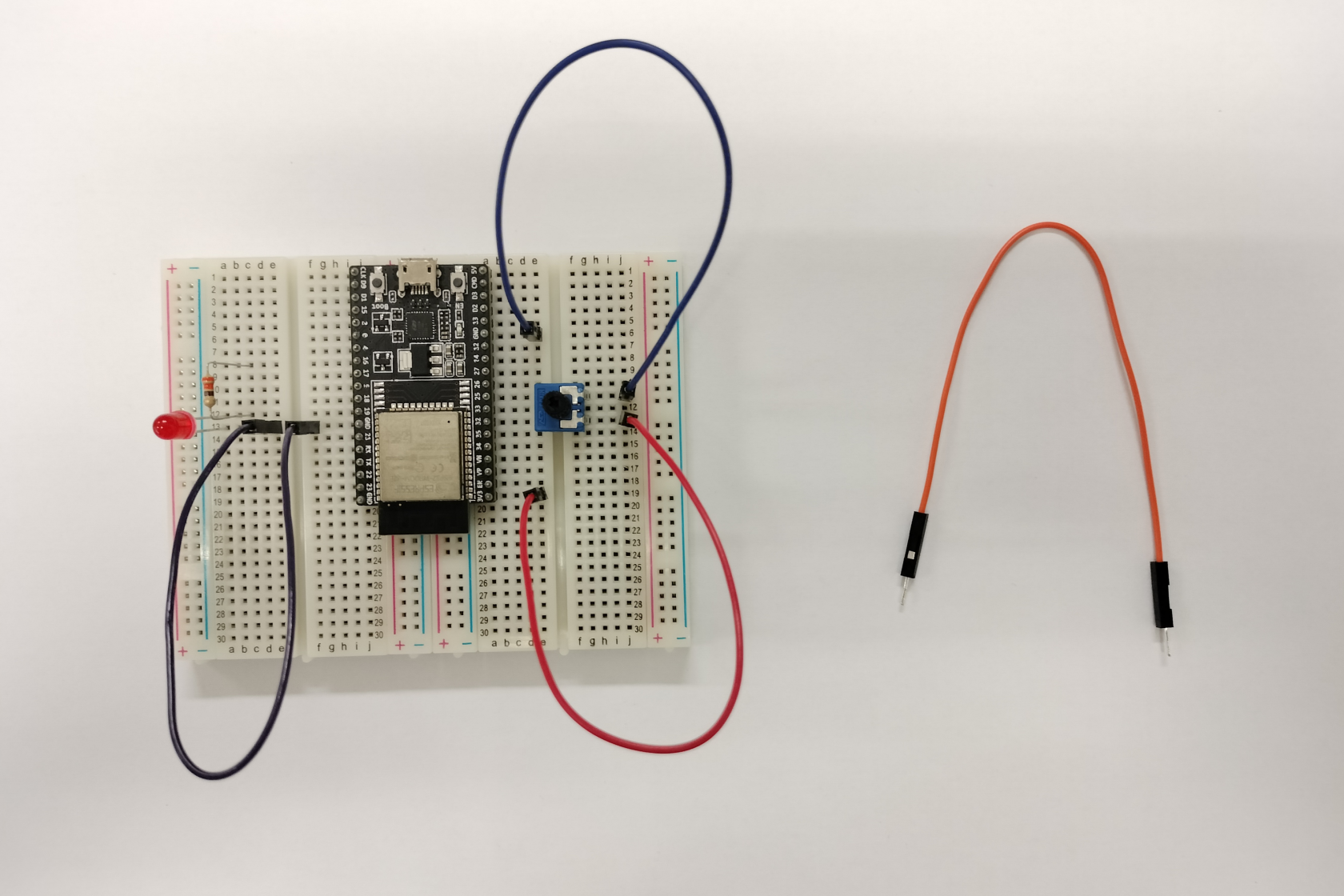
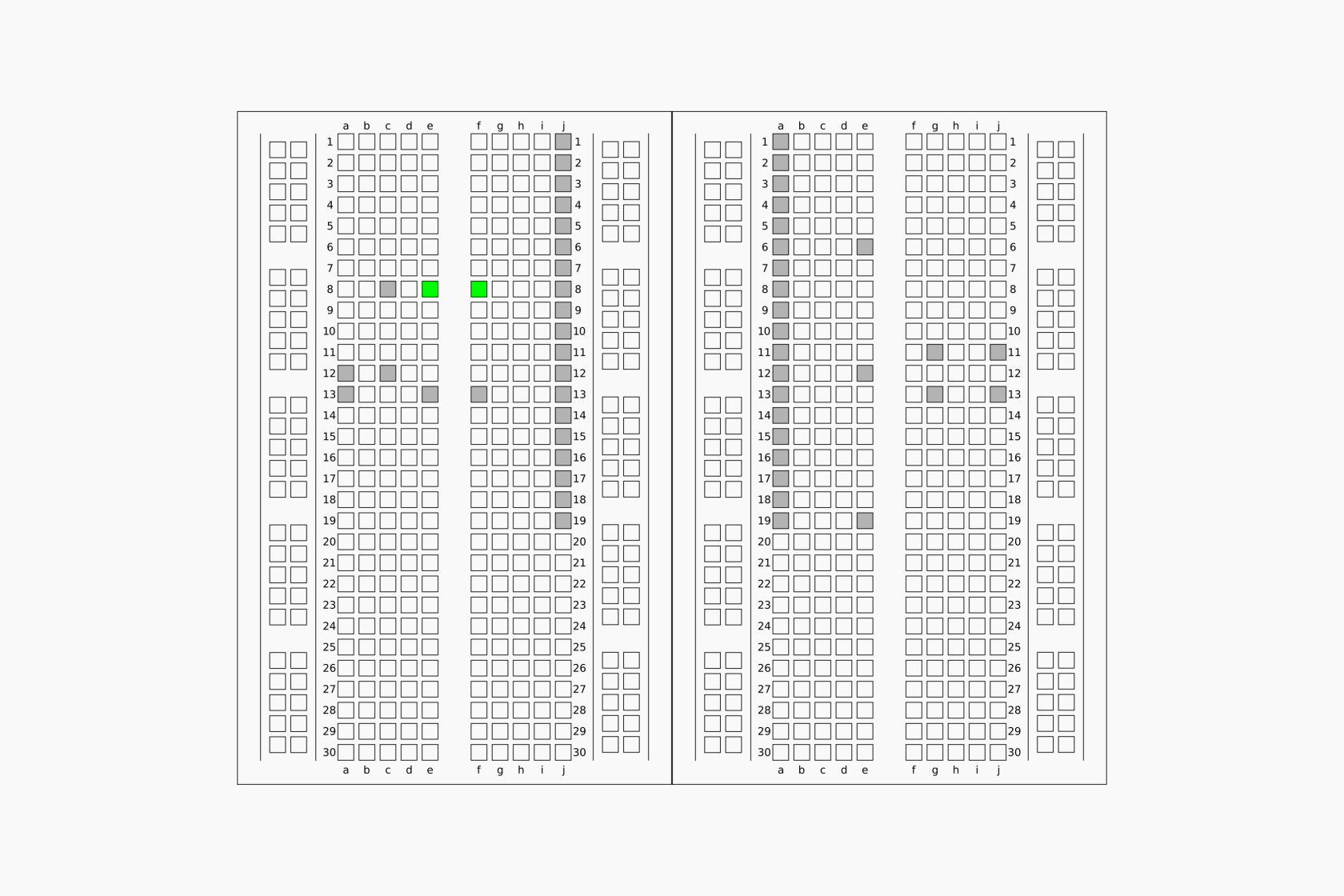
#### Montagem exemplificativa:

<table border="0" id="bkmrk--3" style="border-collapse: collapse; width: 100%; border-style: none;"><tbody><tr><td style="width: 33.2909%;">[![6_montagem_a.png](https://kb.deec.uc.pt/uploads/images/gallery/2023-08/scaled-1680-/6-montagem-a.png)](https://kb.deec.uc.pt/uploads/images/gallery/2023-08/6-montagem-a.png)</td><td style="width: 33.2909%;">  
</td><td style="width: 33.2948%;">[![6_montagem_b.png](https://kb.deec.uc.pt/uploads/images/gallery/2023-08/scaled-1680-/6-montagem-b.png)](https://kb.deec.uc.pt/uploads/images/gallery/2023-08/6-montagem-b.png)</td></tr><tr><td style="width: 33.2909%;">[![6_montagem_c.png](https://kb.deec.uc.pt/uploads/images/gallery/2023-08/scaled-1680-/6-montagem-c.png)](https://kb.deec.uc.pt/uploads/images/gallery/2023-08/6-montagem-c.png)</td><td style="width: 33.2909%;">[![6_montagem_1.png](https://kb.deec.uc.pt/uploads/images/gallery/2023-08/scaled-1680-/6-montagem-1.png)](https://kb.deec.uc.pt/uploads/images/gallery/2023-08/6-montagem-1.png)</td><td style="width: 33.2948%;">[![6_montagem_d.png](https://kb.deec.uc.pt/uploads/images/gallery/2023-08/scaled-1680-/6-montagem-d.png)](https://kb.deec.uc.pt/uploads/images/gallery/2023-08/6-montagem-d.png)</td></tr><tr><td style="width: 33.2909%;">[![6_montagem_e.png](https://kb.deec.uc.pt/uploads/images/gallery/2023-08/scaled-1680-/6-montagem-e.png)](https://kb.deec.uc.pt/uploads/images/gallery/2023-08/6-montagem-e.png)</td><td style="width: 33.2909%;">[![6_montagem_2.png](https://kb.deec.uc.pt/uploads/images/gallery/2023-08/scaled-1680-/6-montagem-2.png)](https://kb.deec.uc.pt/uploads/images/gallery/2023-08/6-montagem-2.png)</td><td style="width: 33.2948%;">[![6_montagem_f.png](https://kb.deec.uc.pt/uploads/images/gallery/2023-08/scaled-1680-/6-montagem-f.png)](https://kb.deec.uc.pt/uploads/images/gallery/2023-08/6-montagem-f.png)</td></tr><tr><td style="width: 33.2909%;">[![6_montagem_g.png](https://kb.deec.uc.pt/uploads/images/gallery/2023-08/scaled-1680-/6-montagem-g.png)](https://kb.deec.uc.pt/uploads/images/gallery/2023-08/6-montagem-g.png)</td><td style="width: 33.2909%;">[![6_montagem_3.png](https://kb.deec.uc.pt/uploads/images/gallery/2023-08/scaled-1680-/6-montagem-3.png)](https://kb.deec.uc.pt/uploads/images/gallery/2023-08/6-montagem-3.png)</td><td style="width: 33.2948%;">[![6_montagem_h.png](https://kb.deec.uc.pt/uploads/images/gallery/2023-08/scaled-1680-/6-montagem-h.png)](https://kb.deec.uc.pt/uploads/images/gallery/2023-08/6-montagem-h.png)</td></tr><tr><td style="width: 33.2909%;">[![6_montagem_i.png](https://kb.deec.uc.pt/uploads/images/gallery/2023-08/scaled-1680-/6-montagem-i.png)](https://kb.deec.uc.pt/uploads/images/gallery/2023-08/6-montagem-i.png)</td><td style="width: 33.2909%;">[![6_montagem_4.png](https://kb.deec.uc.pt/uploads/images/gallery/2023-08/scaled-1680-/6-montagem-4.png)](https://kb.deec.uc.pt/uploads/images/gallery/2023-08/6-montagem-4.png)</td><td style="width: 33.2948%;">[![6_montagem_j.png](https://kb.deec.uc.pt/uploads/images/gallery/2023-08/scaled-1680-/6-montagem-j.png)](https://kb.deec.uc.pt/uploads/images/gallery/2023-08/6-montagem-j.png)</td></tr><tr><td style="width: 33.2909%;">[![6_montagem_k.png](https://kb.deec.uc.pt/uploads/images/gallery/2023-08/scaled-1680-/6-montagem-k.png)](https://kb.deec.uc.pt/uploads/images/gallery/2023-08/6-montagem-k.png)</td><td style="width: 33.2909%;">[![6_montagem_5.png](https://kb.deec.uc.pt/uploads/images/gallery/2023-08/scaled-1680-/6-montagem-5.png)](https://kb.deec.uc.pt/uploads/images/gallery/2023-08/6-montagem-5.png)</td><td style="width: 33.2948%;">[![6_montagem_l.png](https://kb.deec.uc.pt/uploads/images/gallery/2023-08/scaled-1680-/6-montagem-l.png)](https://kb.deec.uc.pt/uploads/images/gallery/2023-08/6-montagem-l.png)</td></tr><tr><td style="width: 33.2909%;">[![6_montagem_m.png](https://kb.deec.uc.pt/uploads/images/gallery/2023-08/scaled-1680-/6-montagem-m.png)](https://kb.deec.uc.pt/uploads/images/gallery/2023-08/6-montagem-m.png)</td><td style="width: 33.2909%;">[![6_montagem_6.png](https://kb.deec.uc.pt/uploads/images/gallery/2023-08/scaled-1680-/6-montagem-6.png)](https://kb.deec.uc.pt/uploads/images/gallery/2023-08/6-montagem-6.png)</td><td style="width: 33.2948%;">[![6_montagem_n.png](https://kb.deec.uc.pt/uploads/images/gallery/2023-08/scaled-1680-/6-montagem-n.png)](https://kb.deec.uc.pt/uploads/images/gallery/2023-08/6-montagem-n.png)</td></tr><tr><td style="width: 33.2909%;">[![6_montagem_o.png](https://kb.deec.uc.pt/uploads/images/gallery/2023-08/scaled-1680-/6-montagem-o.png)](https://kb.deec.uc.pt/uploads/images/gallery/2023-08/6-montagem-o.png)</td><td style="width: 33.2909%;">[![6_montagem_7.png](https://kb.deec.uc.pt/uploads/images/gallery/2023-08/scaled-1680-/6-montagem-7.png)](https://kb.deec.uc.pt/uploads/images/gallery/2023-08/6-montagem-7.png)</td><td style="width: 33.2948%;">[![6_montagem_p.png](https://kb.deec.uc.pt/uploads/images/gallery/2023-08/scaled-1680-/6-montagem-p.png)](https://kb.deec.uc.pt/uploads/images/gallery/2023-08/6-montagem-p.png)</td></tr><tr><td style="width: 33.2909%;">[![6_montagem_q.png](https://kb.deec.uc.pt/uploads/images/gallery/2023-08/scaled-1680-/6-montagem-q.png)](https://kb.deec.uc.pt/uploads/images/gallery/2023-08/6-montagem-q.png)</td><td style="width: 33.2909%;">[![6_montagem_8.png](https://kb.deec.uc.pt/uploads/images/gallery/2023-08/scaled-1680-/6-montagem-8.png)](https://kb.deec.uc.pt/uploads/images/gallery/2023-08/6-montagem-8.png)</td><td style="width: 33.2948%;">[![6_montagem_r.png](https://kb.deec.uc.pt/uploads/images/gallery/2023-08/scaled-1680-/6-montagem-r.png)](https://kb.deec.uc.pt/uploads/images/gallery/2023-08/6-montagem-r.png)</td></tr></tbody></table>

#### Referências:

\[1\] Ltd. Espressif Systems Co. ESP32-DevKitC V4 Getting Started Guide. url: [https://docs.espressif.com/projects/esp-idf/en/latest/esp32/hw-reference/esp32/get-started-devkitc.html](https://docs.espressif.com/projects/esp-idf/en/latest/esp32/hw-reference/esp32/get-started-devkitc.html) (acedido em 18/08/2023).  
\[2\] Paulo Menezes. Artigos de Suporte - DEEC - Kit Eletrónica - Primeiro Programa. url: [https://kb.deec.uc.pt/books/deec/page/primeiro-programa](https://kb.deec.uc.pt/books/deec/page/primeiro-programa) (acedido em 17/08/2023).  
\[3\] Wikipedia. LED circuit. url: [https://en.wikipedia.org/wiki/LED\_circuit](https://en.wikipedia.org/wiki/LED_circuit) (acedido em 18/08/2023).  
\[4\] Wikipedia. Potentiometer. url: [https://en.wikipedia.org/wiki/Potentiometer](https://en.wikipedia.org/wiki/Potentiometer) (acedido em 23/08/2023).