# [Programa] TFT

#### Objetivo:

Utilizar o *ESP32-WROOM-32E DevKitC v4* \[2\] para desenhar num monitor TFT.

#### Lista de material:

- *ESP32-WROOM-32E DevKitC v4*
- Breadboards
- *Adafruit 1.44" Color TFT (ST7735)*
- Fios de ligação
- Cabo USB micro

#### Contextualização:

##### *Adafruit 1.44" Color TFT*

O monitor TFT (Thin-film transistor, \[6\]) de 1.44 polegadas da Adafruit (*ST7735 Adafruit 1.44" Color TFT*, \[1\]) faz uso do barramento de comunicação SPI (*Serial Peripheral Interface* \[5\]) de 4 fios possuindo ainda *buffer* de dados endereçável por pixel dedicado.

[![7_tft_eg.png](https://kb.deec.uc.pt/uploads/images/gallery/2023-08/scaled-1680-/7-tft-eg.png)](https://kb.deec.uc.pt/uploads/images/gallery/2023-08/7-tft-eg.png)

##### *Serial Peripheral Interface*

O *Serial Peripheral Interface* (SPI) é um barramento que permite, por exemplo, a comunicação entre um microcontrolador com diversos outros componentes \[5, 3\].

Ainda que a sua designação possa variar, e nem todas as ligações se tenham que usar num dado exemplo, o barramento SPI considera 4 sinais lógicos:

<table border="0" id="bkmrk-sclk%2Fsck-serial-cloc" style="border-collapse: collapse; width: 100%; height: 119.188px; border-style: none;"><tbody><tr style="height: 29.7969px;"><td class="align-right" style="width: 49.9383%; height: 29.7969px;">SCLK/SCK</td><td style="width: 49.9383%; height: 29.7969px;">*Serial Clock*</td></tr><tr style="height: 29.7969px;"><td class="align-right" style="width: 49.9383%; height: 29.7969px;">MOSI/SDI</td><td style="width: 49.9383%; height: 29.7969px;">*Main Out Sub In* / *Serial Data In*</td></tr><tr style="height: 29.7969px;"><td class="align-right" style="width: 49.9383%; height: 29.7969px;">MISO/SDO</td><td style="width: 49.9383%; height: 29.7969px;">*Main In Sub Out* / *Serial Data Out*</td></tr><tr style="height: 29.7969px;"><td class="align-right" style="width: 49.9383%; height: 29.7969px;">CS/SS</td><td style="width: 49.9383%; height: 29.7969px;">*Chip Select*</td></tr></tbody></table>

<table border="0" id="bkmrk--0" style="border-collapse: collapse; width: 100%; border-style: none;"><tbody><tr><td style="width: 50.0618%;">[![7_spi_esp32.png](https://kb.deec.uc.pt/uploads/images/gallery/2023-08/scaled-1680-/7-spi-esp32.png)](https://kb.deec.uc.pt/uploads/images/gallery/2023-08/7-spi-esp32.png)</td><td style="width: 50.0618%;">[![7_spi_tft.png](https://kb.deec.uc.pt/uploads/images/gallery/2023-08/scaled-1680-/7-spi-tft.png)](https://kb.deec.uc.pt/uploads/images/gallery/2023-08/7-spi-tft.png)</td></tr></tbody></table>

[![7_spi_eg.png](https://kb.deec.uc.pt/uploads/images/gallery/2023-08/scaled-1680-/7-spi-eg.png)](https://kb.deec.uc.pt/uploads/images/gallery/2023-08/7-spi-eg.png)

#### Procedimento:

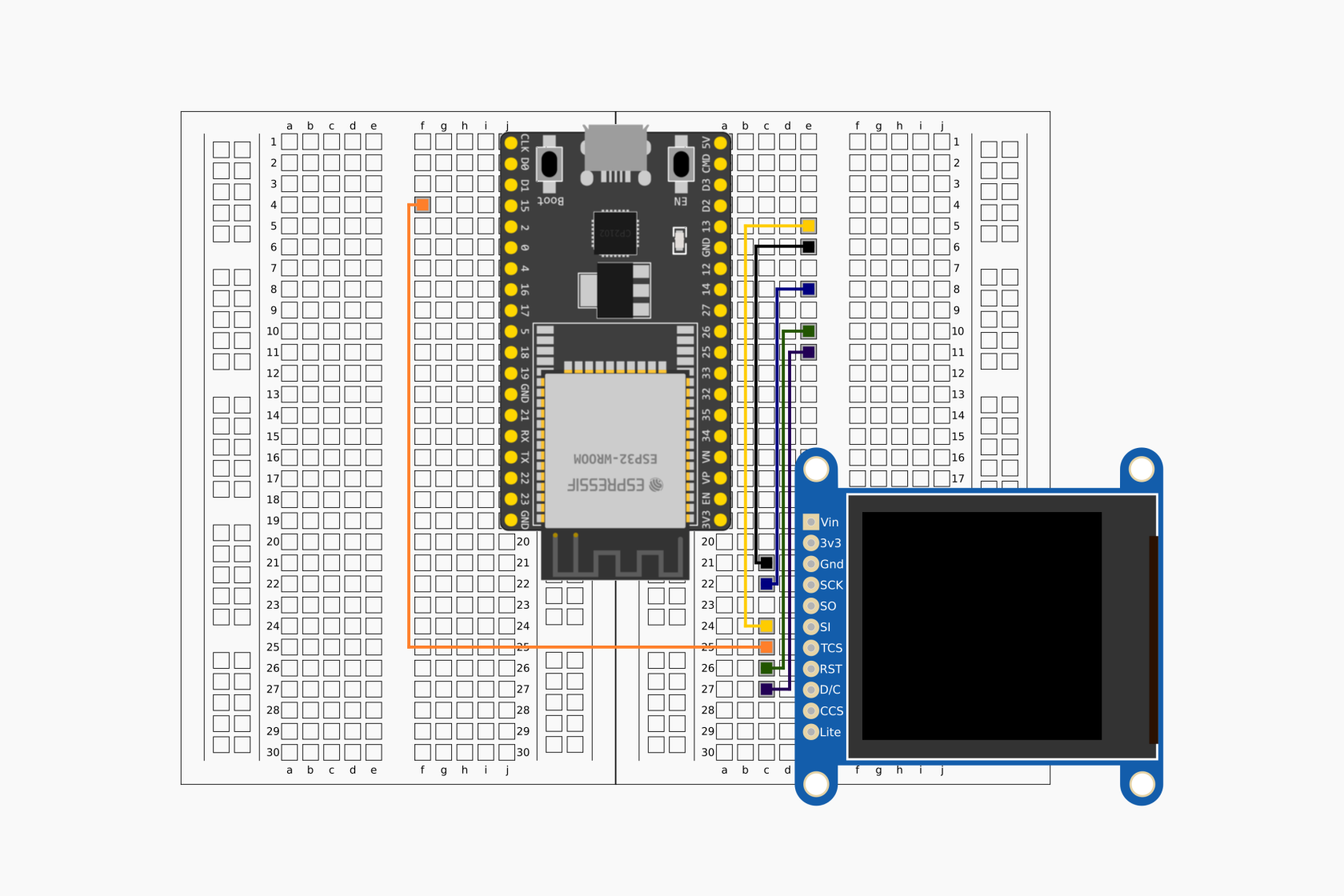
Escolhendo os terminais 13, 14, 15, 25, 26, GND e 3.3V do ESP32 como referência deve considerar-se o seguinte ilustração de montagem:

[![7_montagem_overview.png](https://kb.deec.uc.pt/uploads/images/gallery/2023-08/scaled-1680-/7-montagem-overview.png)](https://kb.deec.uc.pt/uploads/images/gallery/2023-08/7-montagem-overview.png)

##### Instruções:

<div class="pointer-container" id="bkmrk-%C2%A0"><div class="pointer anim "><svg class="svg-icon" data-icon="link" role="presentation" viewbox="0 0 24 24" xmlns="http://www.w3.org/2000/svg"></svg><div class="input-group inline block"> <button class="button outline icon" data-clipboard-target="#pointer-url" title="Copy Link" type="button"><svg class="svg-icon" data-icon="copy" role="presentation" viewbox="0 0 24 24" xmlns="http://www.w3.org/2000/svg"></svg></button></div></div></div>(para uma primeira utilização do ESP32, sugere-se o tutorial *Primeiro Programa* \[4\])

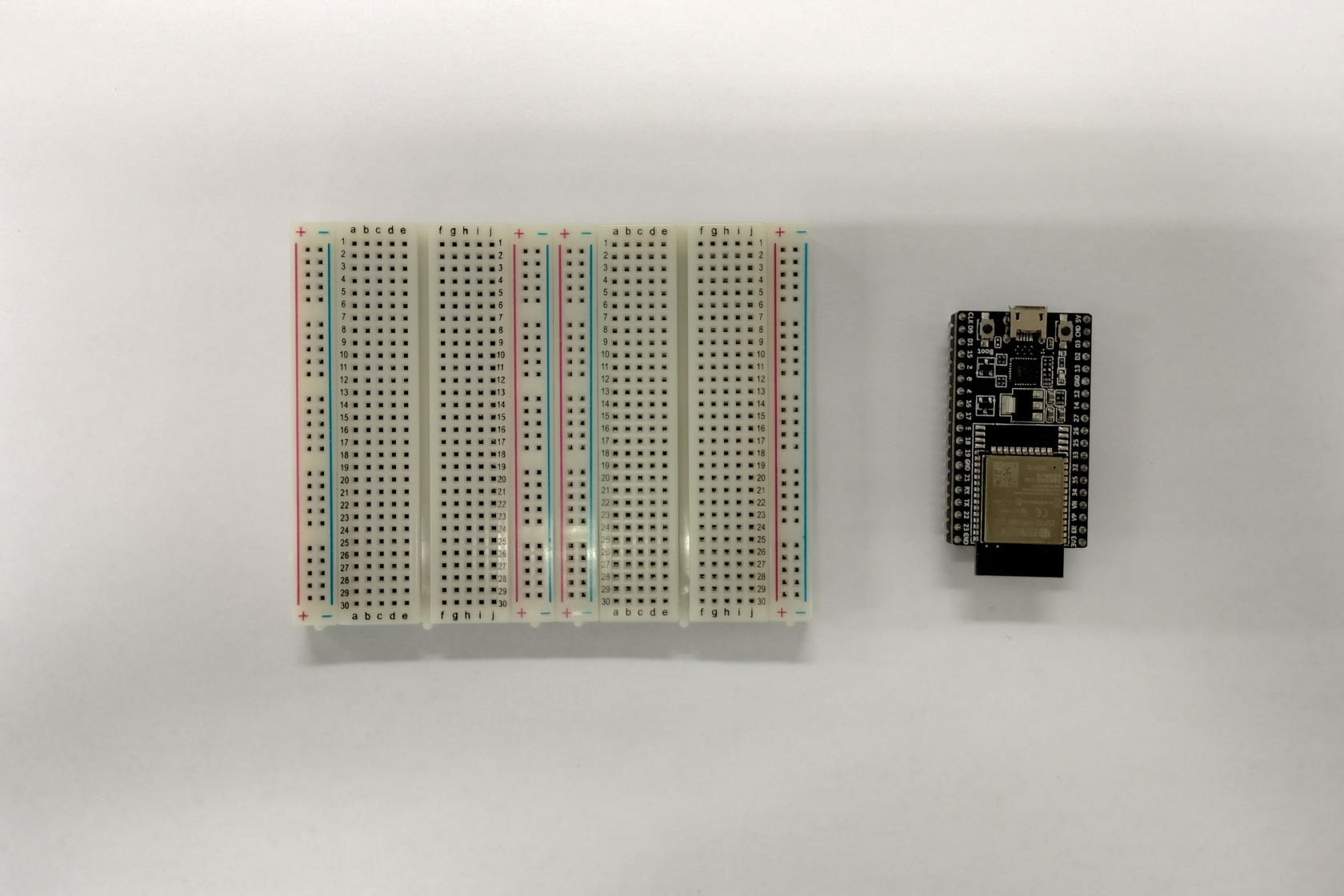
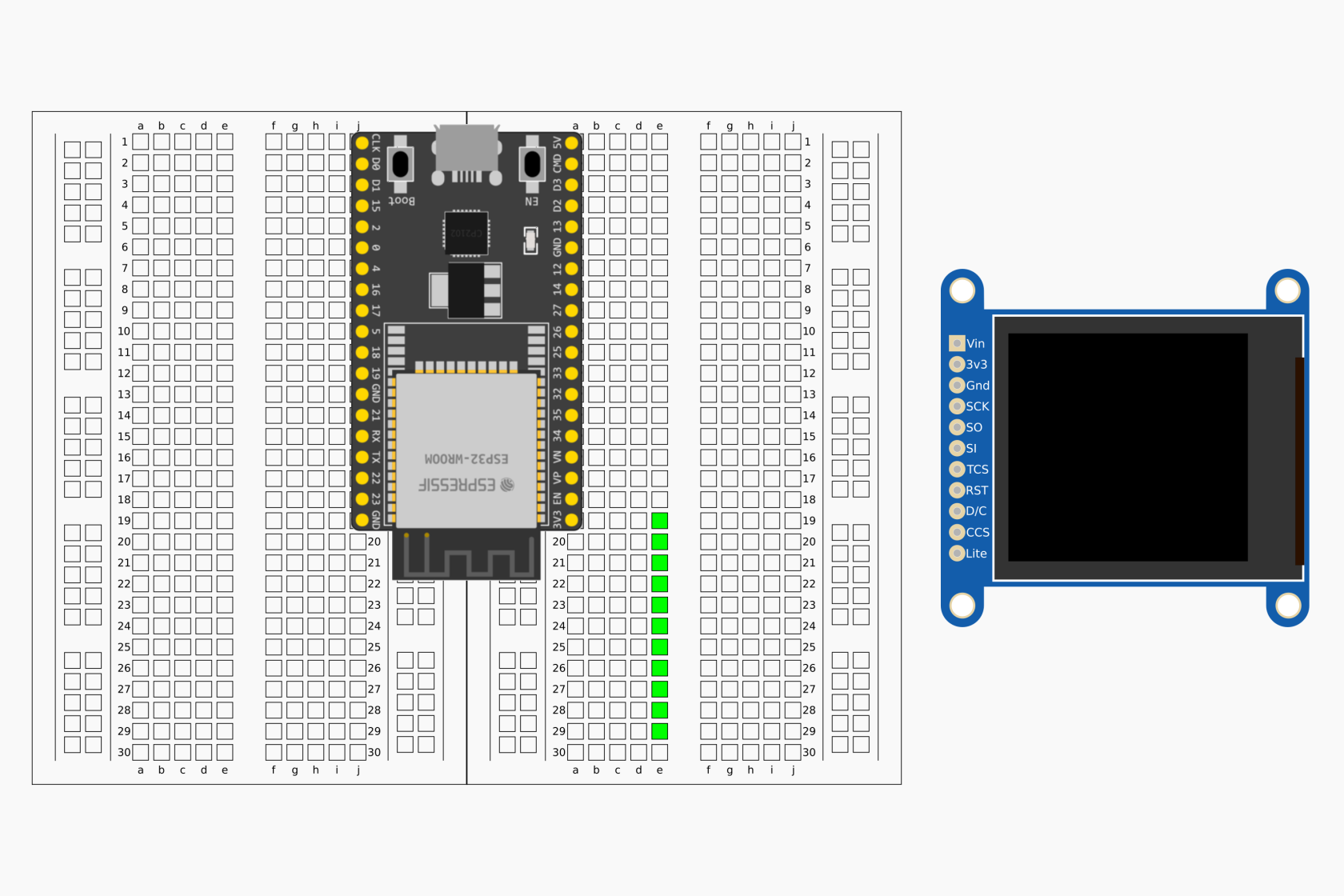
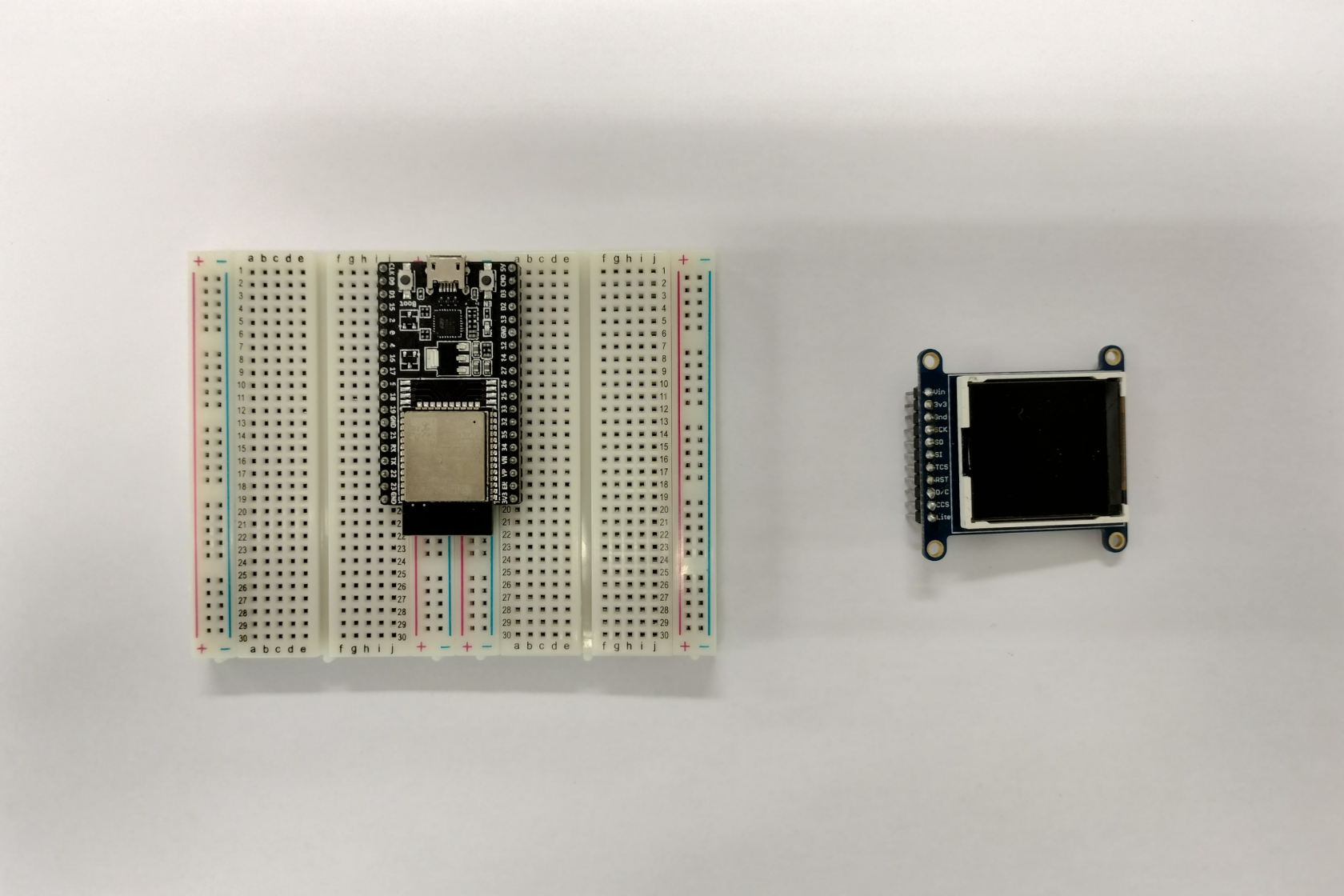
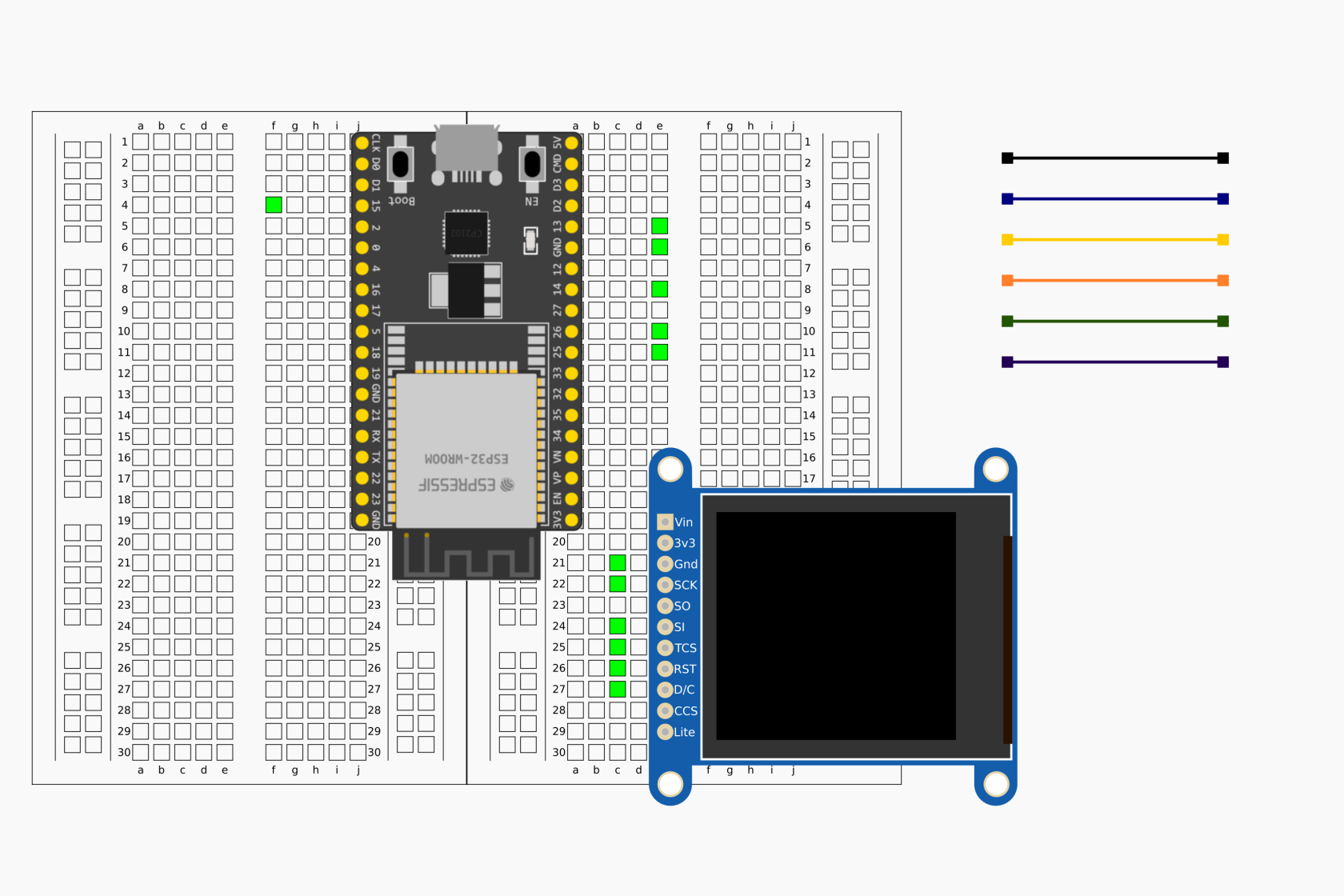
- Montar o circuito esquematizado anteriormente (ver Secção **Montagem exemplificativa**, para mais detalhe)
- Ligar a placa ESP32 ao computador por via de cabo USB micro
- Abrir o IDE Arduino
- Usando a ferramenta de gestão de bibliotecas do IDE Arduino procurar e instalar a biblioteca: ***Adafruit\_GFX*** \[7,8\].

***[![7_arduino_aa.png](https://kb.deec.uc.pt/uploads/images/gallery/2023-08/scaled-1680-/7-arduino-aa.png)](https://kb.deec.uc.pt/uploads/images/gallery/2023-08/7-arduino-aa.png)***

- Repetir a tarefa anterior para as bibliotecas ***Adafruit\_ST7735*** e ***Adafruit\_BusIO***;

<table border="0" id="bkmrk--4" style="border-collapse: collapse; width: 100%; border-style: none;"><tbody><tr><td style="width: 49.9383%;">[![7_arduino_bb.png](https://kb.deec.uc.pt/uploads/images/gallery/2023-08/scaled-1680-/7-arduino-bb.png)](https://kb.deec.uc.pt/uploads/images/gallery/2023-08/7-arduino-bb.png)</td><td style="width: 49.9383%;">[![7_arduino_cc.png](https://kb.deec.uc.pt/uploads/images/gallery/2023-08/scaled-1680-/7-arduino-cc.png)](https://kb.deec.uc.pt/uploads/images/gallery/2023-08/7-arduino-cc.png)</td></tr></tbody></table>

- Selecionar o dispositivo ESP32 adequado
- Copiar o seguinte código


```C
/*
* TFT
*/
#include <SPI.h>			 // Biblioteca relacionada com SPI
#include <Adafruit_GFX.h>    // Biblioteca relacionada com primitivas de desenho
#include <Adafruit_ST7735.h> // Biblioteca específica para ST7735
	
// definição dos terminais a considerar
#define TFT_CS         15
#define TFT_DC         25
#define TFT_MOSI       13
#define TFT_SCLK       14
#define TFT_RST        26

// definição de cores de interesse
#define BLUE     0x001F
#define GREEN    0x07E0
#define WHITE    0xFFFF
#define BLACK    0x0000

// variáveis várias
int m_pos = 0;
int m_s = 128;
int m_contador = 0;
int m_o_contador = 65;
char cc = m_o_contador;

// inicialização de classe relacionada com ST7735
Adafruit_ST7735 tft = Adafruit_ST7735(TFT_CS, TFT_DC, TFT_MOSI, TFT_SCLK, TFT_RST);
	
// função de escrita
void testdrawtext(char *text, uint16_t color, uint8_t size) {
	tft.setCursor(51, 49);
	tft.setTextColor(color);
	tft.setTextWrap(true);
	tft.setTextSize(size);
	tft.print(text);
}

// a função setup é executada pontualmente quando o botão reset é premido ou 
// a placa é alimentada:
void setup(void) {
	Serial.begin(115200);
	Serial.print(F("inicialização ..."));
	
	tft.initR(INITR_144GREENTAB); // inicialização específica do tft 128x128 1.44" usado
	tft.setRotation(1); // definição de rotação do monitor
	tft.fillScreen(WHITE); // desenho no ecrâ na sua globalidade
	
	cc = m_o_contador;
	testdrawtext(&cc,BLACK,5); // escrita no ecrâ
	
	delay(500);		
	Serial.print(F(" completa"));
}

// a função loop é executada sucessivamente, uma e outra vez, e por aí em diante
void loop() {
	Serial.print(F("iteração"));
	Serial.print(m_contador, DEC);
	m_contador = m_contador + 1;
	
	tft.drawRect(m_pos,m_pos,m_s,m_s,BLUE); // desenho de linha de quadrado azul
	delay(10);
	
	m_pos = m_pos + 1;
	m_s = m_s - 2;  		
	if (m_pos >= 64){
		m_pos = 0;
		m_s = 128;
		
		tft.fillScreen(WHITE);
		m_o_contador = m_o_contador + 1;
		if (m_o_contador > 90) {
			m_o_contador = 65;
		}
		cc = m_o_contador;
		
		testdrawtext(&cc,BLACK,5); // escrita de texto no ecrâ
		delay(500);
	}

	tft.drawRect(m_pos,m_pos,m_s,m_s, GREEN);
	delay(10);
}
```

- Compilar e carregar o código para a placa ESP32

[![7_arduino.png](https://kb.deec.uc.pt/uploads/images/gallery/2023-08/scaled-1680-/7-arduino.png)](https://kb.deec.uc.pt/uploads/images/gallery/2023-08/7-arduino.png)

- Verificar o resultado

[![tft.gif](https://kb.deec.uc.pt/uploads/images/gallery/2023-08/tft.gif)](https://kb.deec.uc.pt/uploads/images/gallery/2023-08/tft.gif)

#### Montagem exemplificativa:

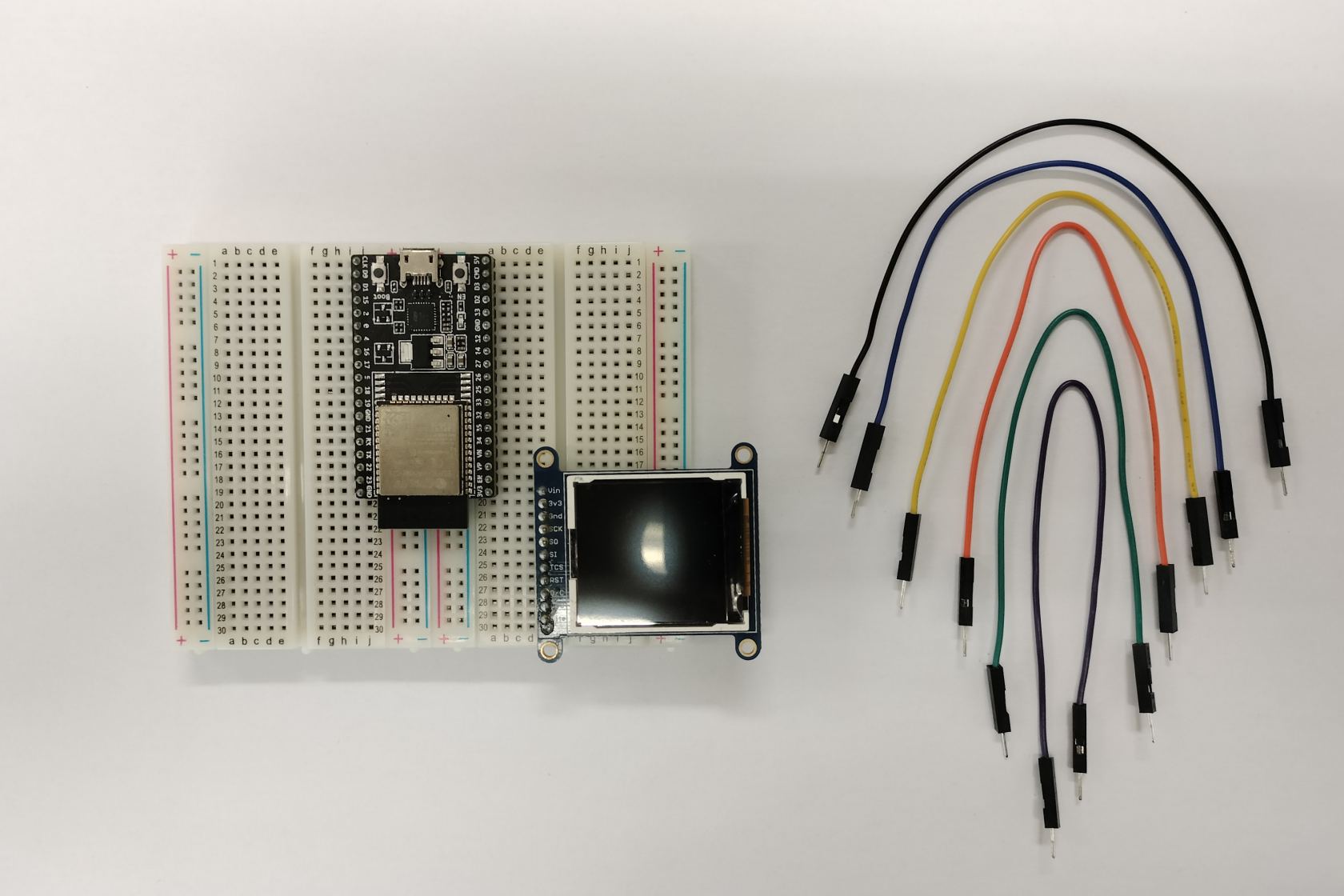
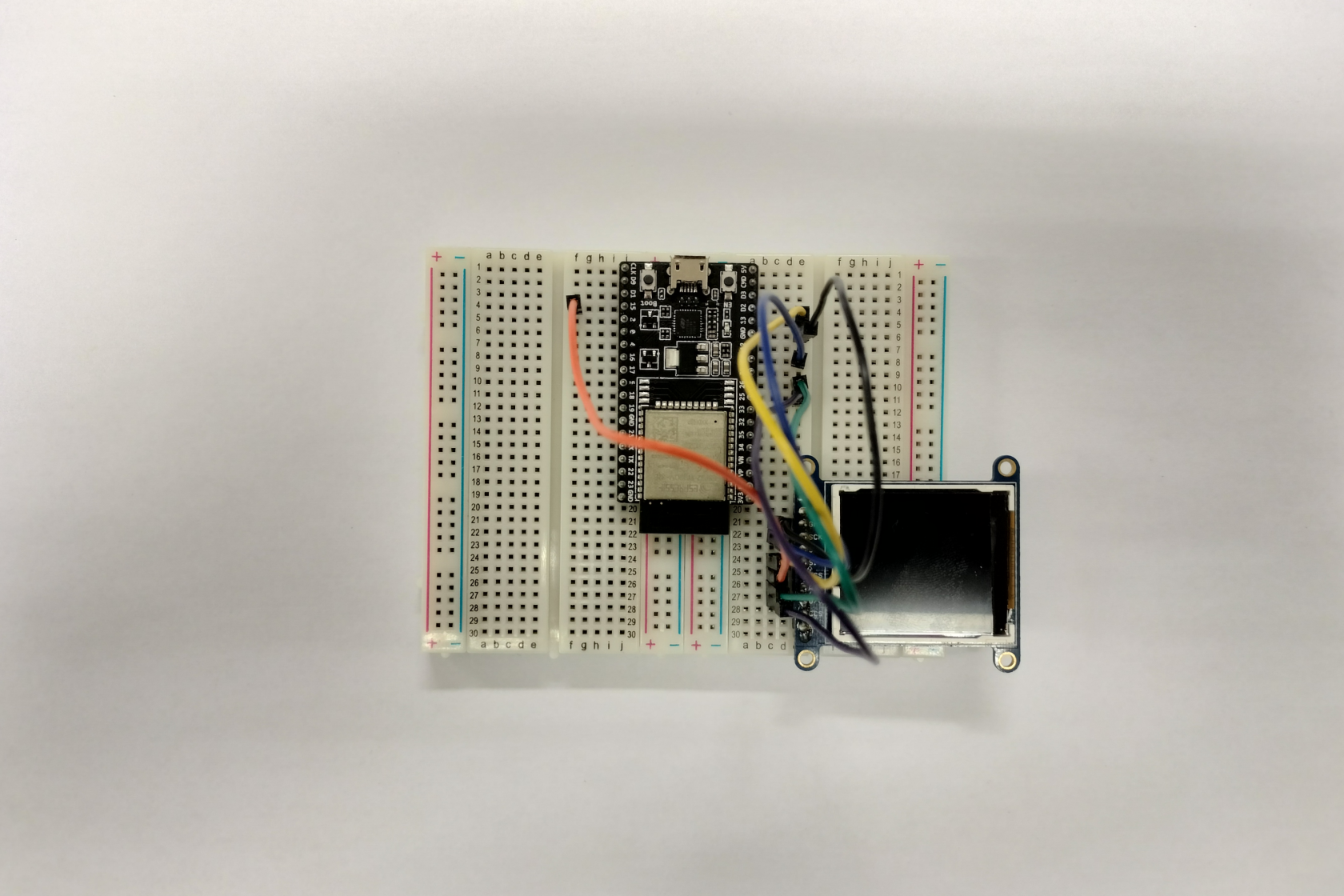
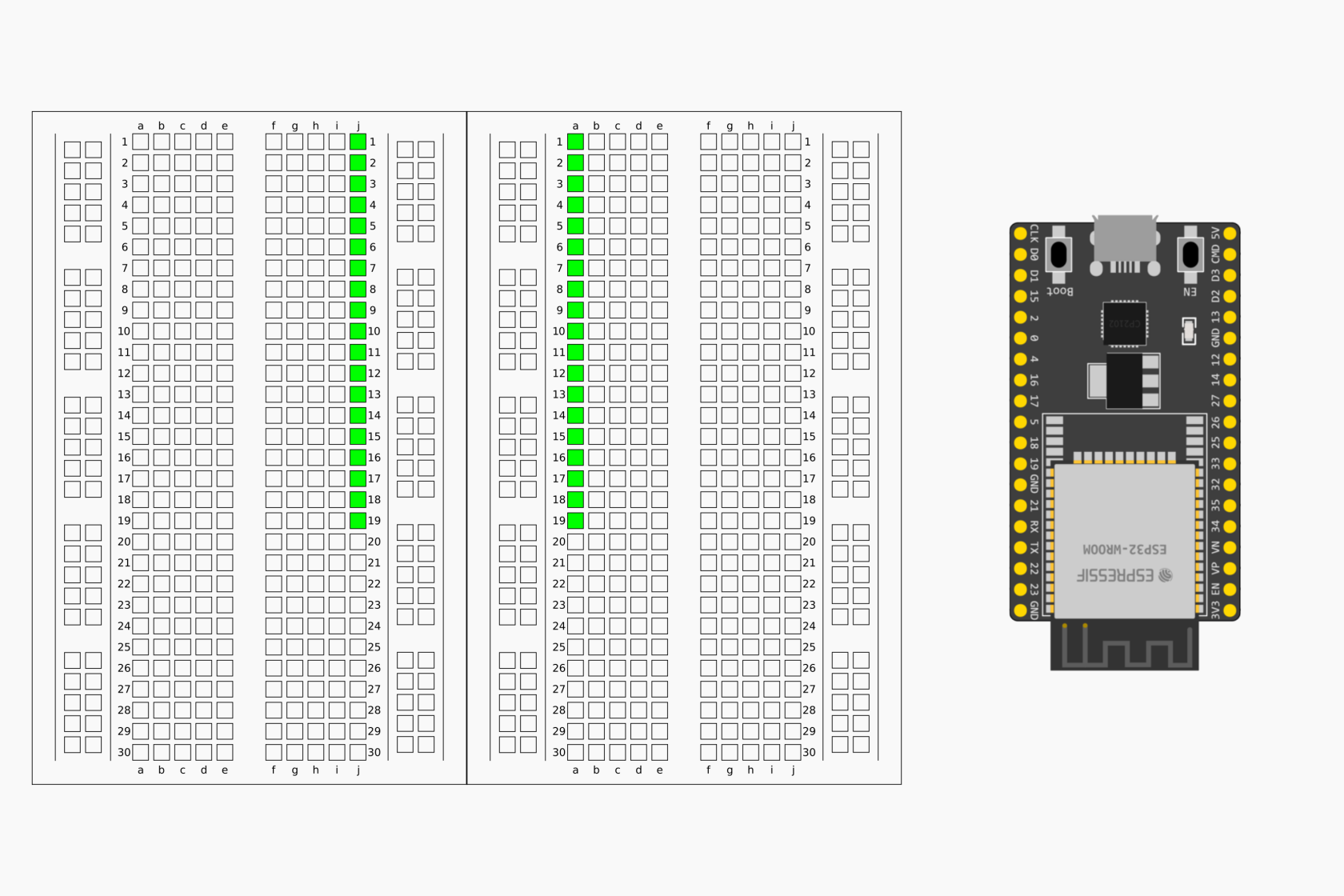
<table border="0" id="bkmrk--8" style="border-collapse: collapse; width: 100%; border-style: none;"><tbody><tr><td style="width: 49.9506%;">[![7_montagem_a.png](https://kb.deec.uc.pt/uploads/images/gallery/2023-08/scaled-1680-/7-montagem-a.png)](https://kb.deec.uc.pt/uploads/images/gallery/2023-08/7-montagem-a.png)</td><td style="width: 49.9506%;">[![7_img_a.png](https://kb.deec.uc.pt/uploads/images/gallery/2023-08/scaled-1680-/7-img-a.png)](https://kb.deec.uc.pt/uploads/images/gallery/2023-08/7-img-a.png)</td></tr><tr><td style="width: 49.9506%;">[![7_montagem_b.png](https://kb.deec.uc.pt/uploads/images/gallery/2023-08/scaled-1680-/7-montagem-b.png)](https://kb.deec.uc.pt/uploads/images/gallery/2023-08/7-montagem-b.png)</td><td style="width: 49.9506%;">[![7_img_b.png](https://kb.deec.uc.pt/uploads/images/gallery/2023-08/scaled-1680-/7-img-b.png)](https://kb.deec.uc.pt/uploads/images/gallery/2023-08/7-img-b.png)</td></tr><tr><td style="width: 49.9506%;">[![7_montagem_c.png](https://kb.deec.uc.pt/uploads/images/gallery/2023-08/scaled-1680-/7-montagem-c.png)](https://kb.deec.uc.pt/uploads/images/gallery/2023-08/7-montagem-c.png)</td><td style="width: 49.9506%;">[![7_img_c.png](https://kb.deec.uc.pt/uploads/images/gallery/2023-08/scaled-1680-/7-img-c.png)](https://kb.deec.uc.pt/uploads/images/gallery/2023-08/7-img-c.png)</td></tr><tr><td style="width: 49.9506%;">[![7_montagem_d.png](https://kb.deec.uc.pt/uploads/images/gallery/2023-08/scaled-1680-/7-montagem-d.png)](https://kb.deec.uc.pt/uploads/images/gallery/2023-08/7-montagem-d.png)</td><td style="width: 49.9506%;">[![7_img_d.png](https://kb.deec.uc.pt/uploads/images/gallery/2023-08/scaled-1680-/7-img-d.png)](https://kb.deec.uc.pt/uploads/images/gallery/2023-08/7-img-d.png)</td></tr></tbody></table>

#### Referências:

\[1\] Adafruit. Adafruit 1.44” Color TFT with Micro SD Socket - Pinouts. url: [https://learn.adafruit.com/adafruit-1-44-color-tft-with-micro-sd-socket/pinouts](https://learn.adafruit.com/adafruit-1-44-color-tft-with-micro-sd-socket/pinouts) (acedido em 25/08/2023).

\[2\] Ltd. Espressif Systems Co. ESP32-DevKitC V4 Getting Started Guide. url: [https://docs.espressif.com/projects/esp-idf/en/latest/esp32/hw-reference/esp32/get-started-devkitc.html](https://docs.espressif.com/projects/esp-idf/en/latest/esp32/hw-reference/esp32/get-started-devkitc.html) (acedido em 18/08/2023).

\[3\] Ltd. Espressif Systems Co. SPI. url: [https://docs.espressif.com/projects/arduino-esp32/en/latest/api/spi.html](https://docs.espressif.com/projects/arduino-esp32/en/latest/api/spi.html) (acedido em 25/08/2023).

\[4\] Paulo Menezes. Artigos de Suporte - DEEC - Kit Eletrónica - Primeiro Programa. url: [https://kb.deec.uc.pt/books/deec/page/primeiro-programa](https://kb.deec.uc.pt/books/deec/page/primeiro-programa) (acedido em 17/08/2023).

\[5\] Wikipedia. Serial Peripheral Interface. url: [https://en.wikipedia.org/wiki/Serial\_Peripheral\_Interface](https://en.wikipedia.org/wiki/Serial_Peripheral_Interface) (acedido em 5/08/2023).

\[6\] Wikipedia. Thin-film transistor. url: [https://en.wikipedia.org/wiki/LED\_circuit](https://en.wikipedia.org/wiki/LED_circuit) (acedido em 25/08/2023).

\[7\] Adafruit. Adafruit GFX Graphics Library. url: [https://learn.adafruit.com/adafruit-gfx-graphics-library](https://learn.adafruit.com/adafruit-gfx-graphics-library) (acedido em 28/08/2023).

\[8\] Adafruit. Adafruit GFX Graphics Library. url: [https://github.com/adafruit/Adafruit-GFX-Library](https://github.com/adafruit/Adafruit-GFX-Library) (acedido em 28/08/2023).