# Manual de instalação OpenVPN iOS

**Instalação:**

Para obter o software *OpenVPN* basta ir a *AppStore* e instalar a seguinte aplicação “*[OpenVPN Connect](https://itunes.apple.com/pt/app/openvpn-connect/id590379981?mt=8 "https://itunes.apple.com/pt/app/openvpn-connect/id590379981?mt=8")*”.
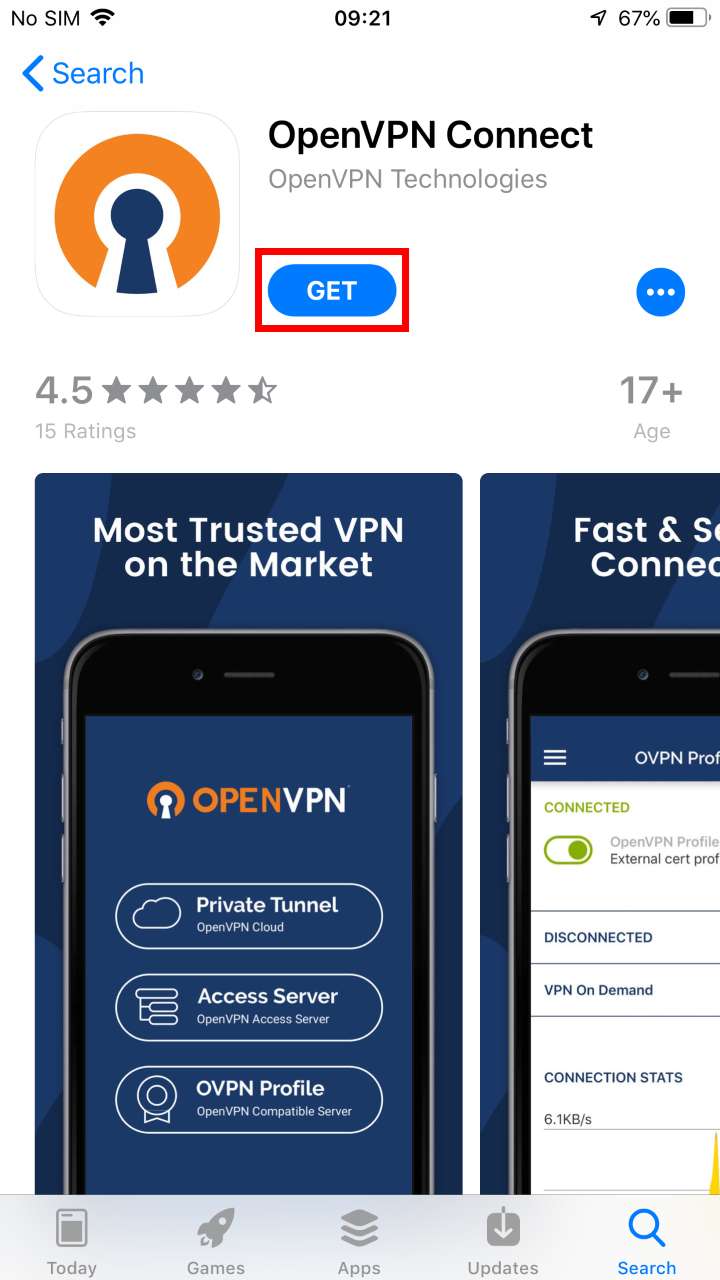
![](https://helpdesk.deec.uc.pt/api/v1/attachments/316)

<div class="knowledge-base-article-content richtext-content js-answer-body" id="bkmrk-configura%C3%A7%C3%A3o%3A"><div class="knowledge-base-article-content richtext-content js-answer-body"><div>  
</div><div>![](https://helpdesk.deec.uc.pt/api/v1/attachments/317)  
</div><div>  
</div><div>![](https://helpdesk.deec.uc.pt/api/v1/attachments/318)  
</div><div>  
</div><div>**Configuração:**</div></div></div>Para a sua configuração, deverá baixar o ficheiro [ISR.ovpn](https://kb.deec.uc.pt/attachments/44) De seguida, abrir a aplicação, selecionar a opção “***OVPN Profile***” e aceitar as políticas.
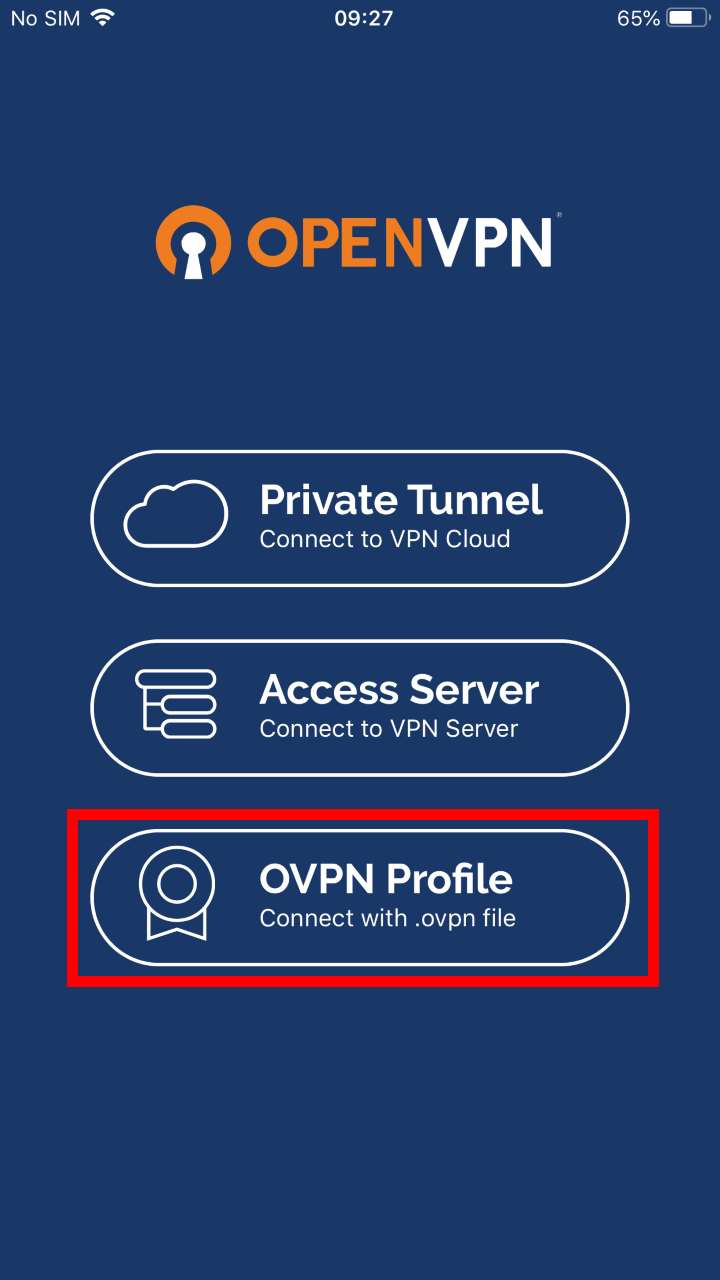
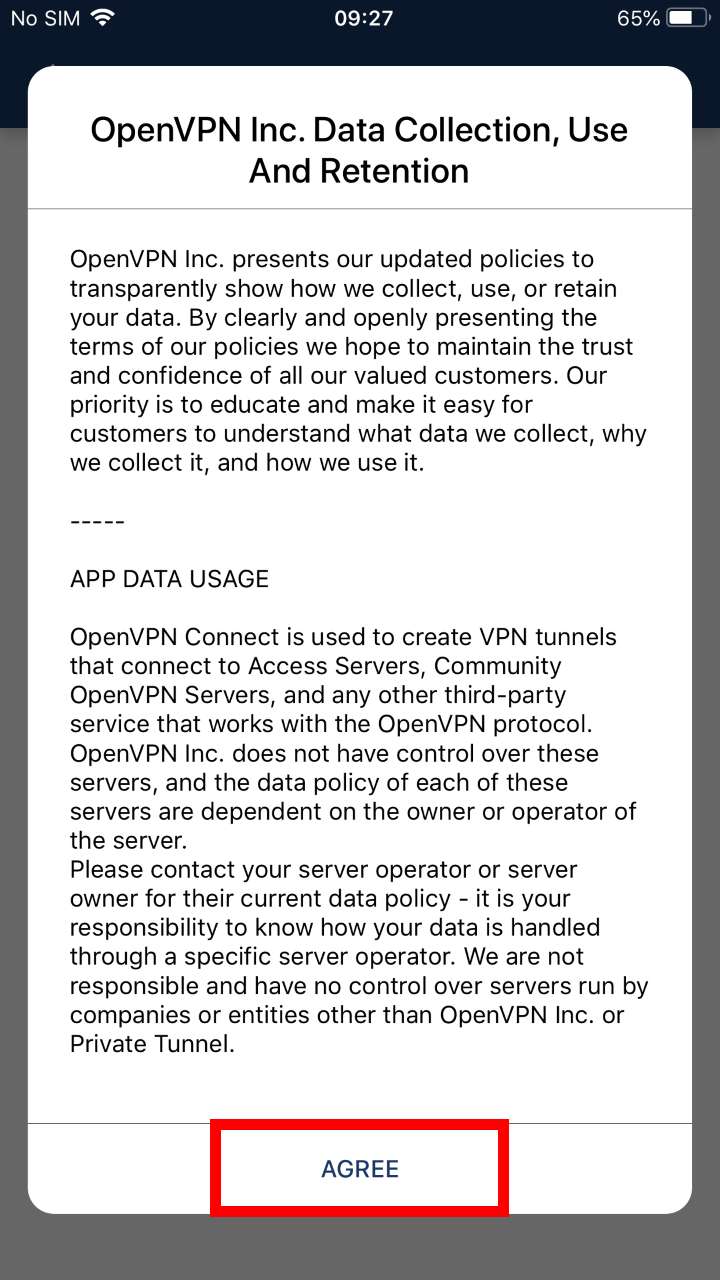
![](https://helpdesk.deec.uc.pt/api/v1/attachments/319)

![](https://helpdesk.deec.uc.pt/api/v1/attachments/320)

Para adicionar o ficheiro ovpn, basta abrir a aplicação ***Files***, ir ao diretório do ficheiro transferido e abri-lo com o ***OpenVPN***.
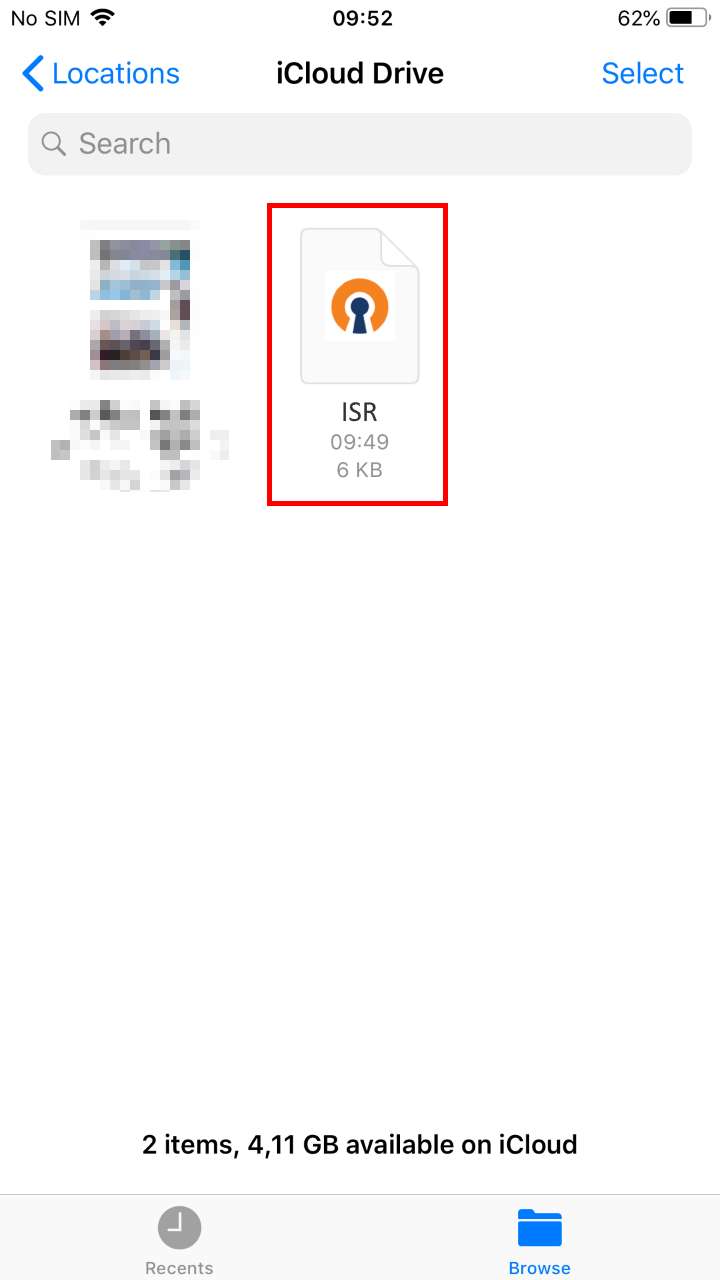
![](https://helpdesk.deec.uc.pt/api/v1/attachments/321)

<div class="knowledge-base-article-content richtext-content js-answer-body" id="bkmrk--5"><div class="knowledge-base-article-content richtext-content js-answer-body"><div><div><div>  
</div>![](https://helpdesk.deec.uc.pt/api/v1/attachments/322)</div>  
</div></div></div>![](https://helpdesk.deec.uc.pt/api/v1/attachments/323)

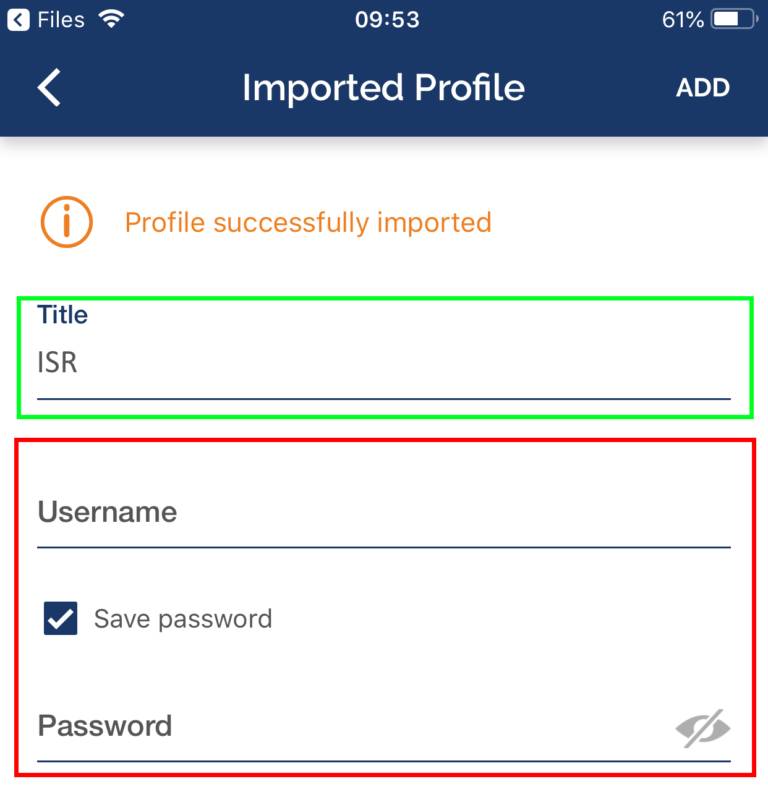
<div class="knowledge-base-article-content richtext-content js-answer-body" id="bkmrk-execu%C3%A7%C3%A3o%3A"><div class="knowledge-base-article-content richtext-content js-answer-body"><div><center></center><center></center><center></center>**Execução:**</div></div></div>Para finalizar, selecione *“**ADD**”* e digite as credencias e selecione novamente ***“ADD”*** . Se quiser, poderá alterar o *Title* para um nome mais fácil de identificar à VPN do ISR.
![](https://helpdesk.deec.uc.pt/api/v1/attachments/324)