VPN Client for students - Windows
To use this service you need a @deec.uc.pt or @student.uc.pt account
Installation
To download OpenVPN just go here, and below you will find the respective download
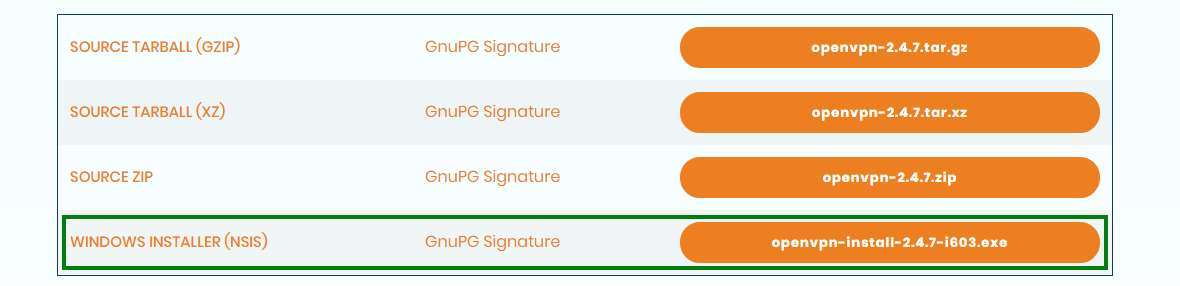
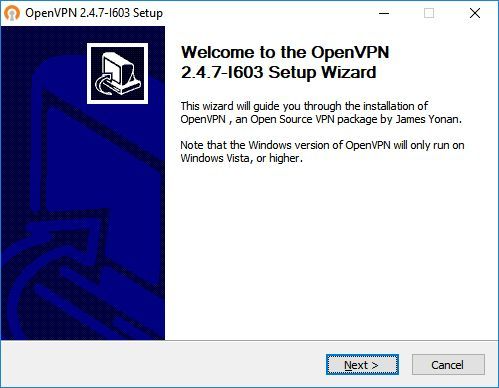
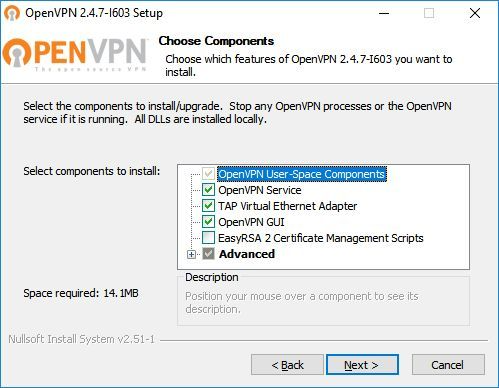
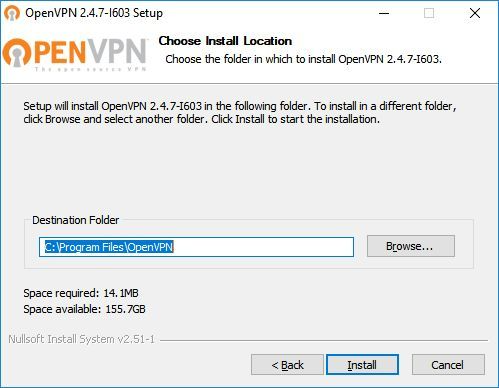
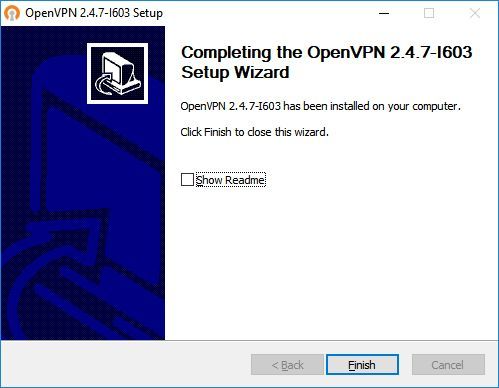
Then, perform the respective installation
Configuration
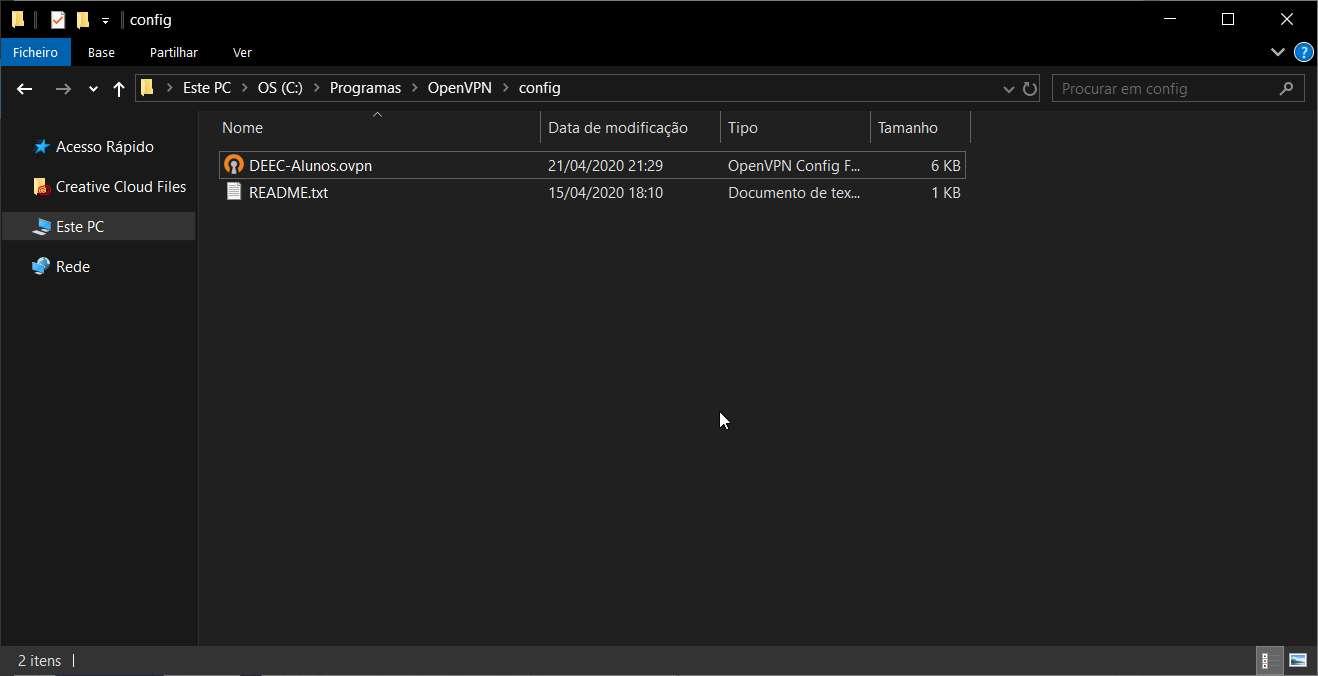
For your configuration, you should download DEEC-Alunos.ovpn and move it to “C:\Program Files\OpenVPN\config”.
Connection
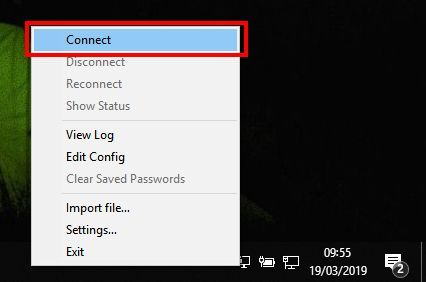
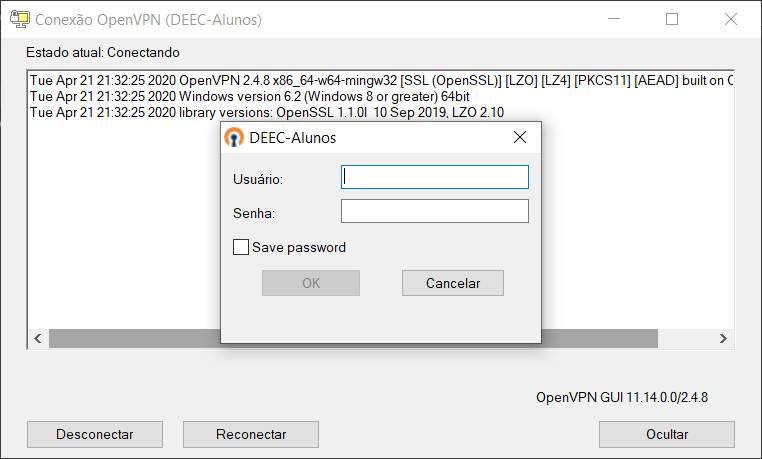
To finish, you will have to start the program “OpenVPN GUI” which, with its execution, will show an icon of a monitor with a lock on your task bar.

To finish, you will have to start the program “OpenVPN GUI” which, with its execution, will show an icon of a monitor with a lock on your task bar.