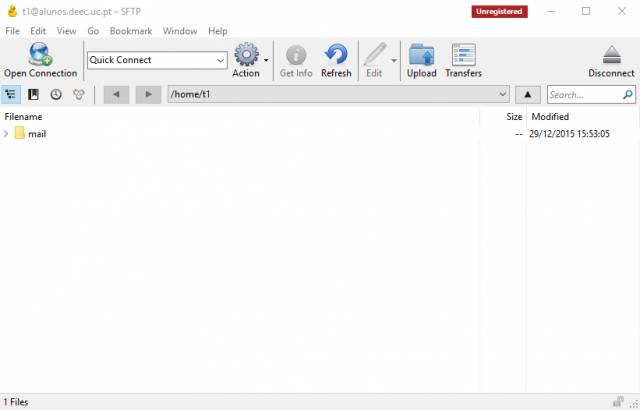
Connection to the Students server via SFTP
To use this service,service you need to own a @deec.uc.pt account!or @student.uc.pt account
1 - Download and install Cyberduck. To download it click here (select Windows or Mac OSX).
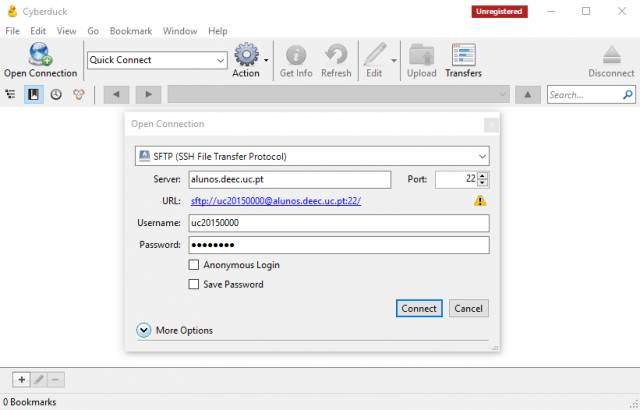
2 - Open Cyberduck, click on Open Conection, select SFTP (SSH File Transfer Protocol) and then fill in the fields according to the image, using your username and respective password
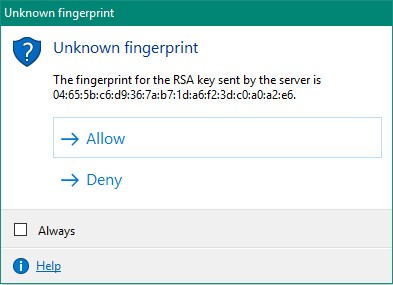
3 - Click on Allow in the next window.
4 - After the connection is established, you can start transferring files between the server and your machine.