OpenVPN Manual for Windows
OpenVPN Installation, Configuration and Run Guide on Windows
Introduction:
This document will present, step by step, the installation, configuration and execution of OpenVPN on the Windows operating system.
Preparation:
Installation:Installation
To download OpenVPN just go here, and below you will find the respective download.
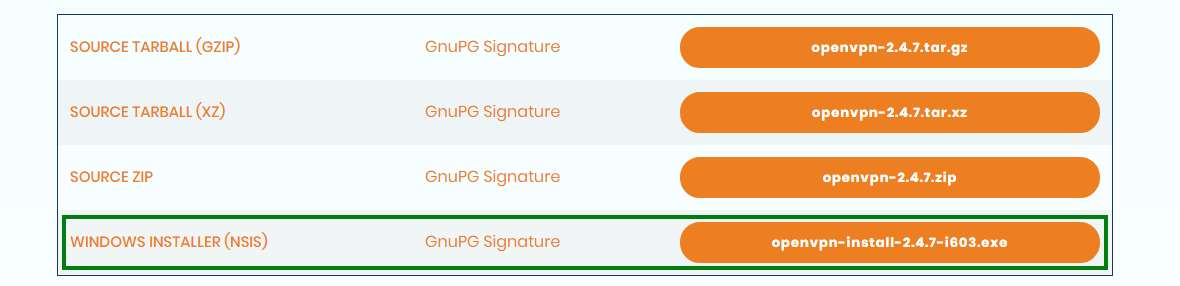
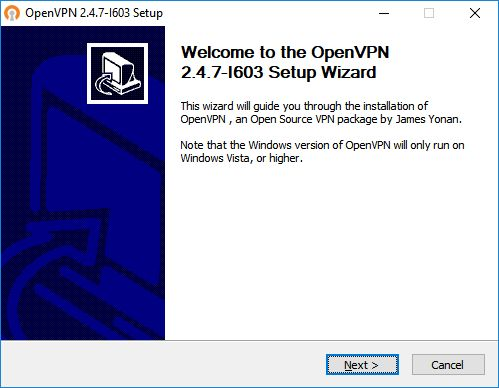
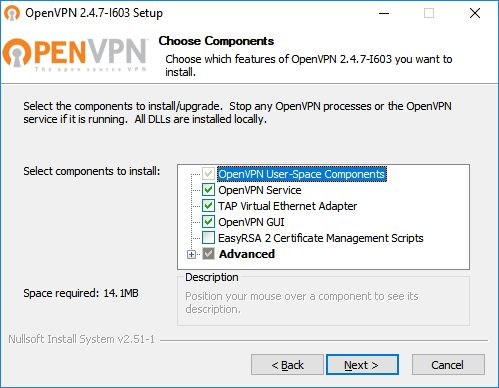
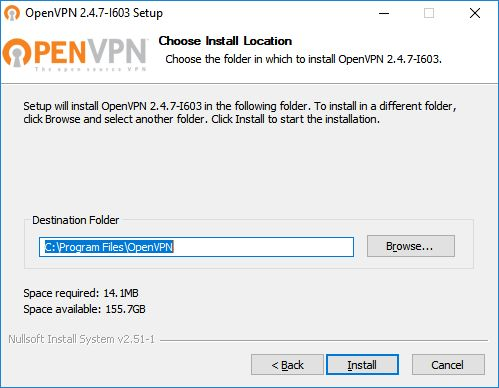
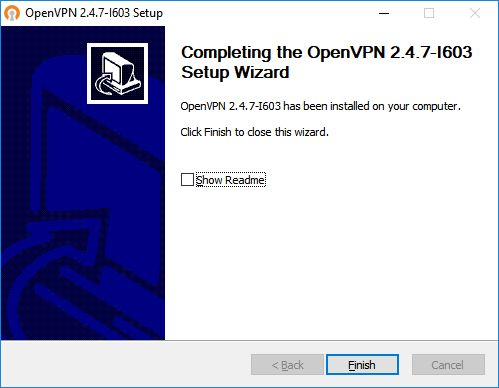
Then, perform the respective installation.
Configuration
Download configuration file ISR.opvn eand move it to “C:\Program Files\OpenVPN\config”.
ExecutionConnection
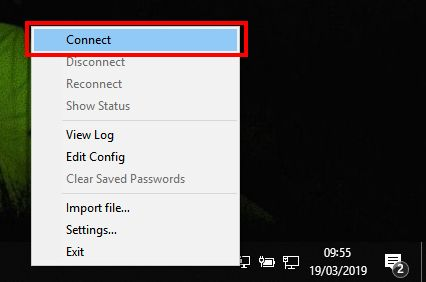
To finish, you will have to start the program “OpenVPN GUI” which, with its execution, will show an icon of a monitor with a lock on your task bar.

With the right side of the mouse over the icon, click on Connect and enter the credentialscredentials.